
DOGPAY PERSONAL
Receive USD or stablecoins. Then put your money to work
Personal payments, a USD account and global spending connected in one DogPay account. Get paid first, then choose to hold, convert, transfer or spend.
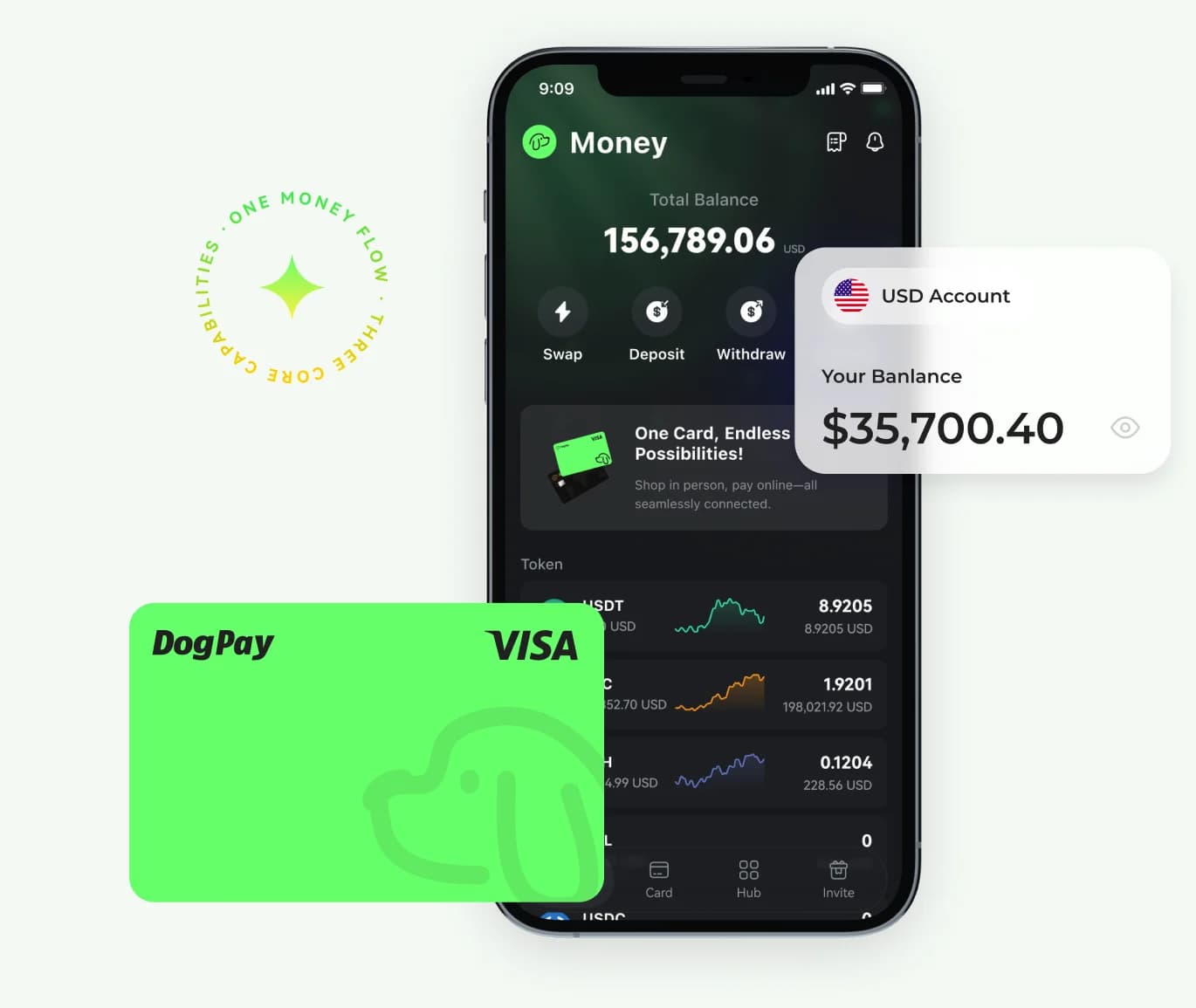
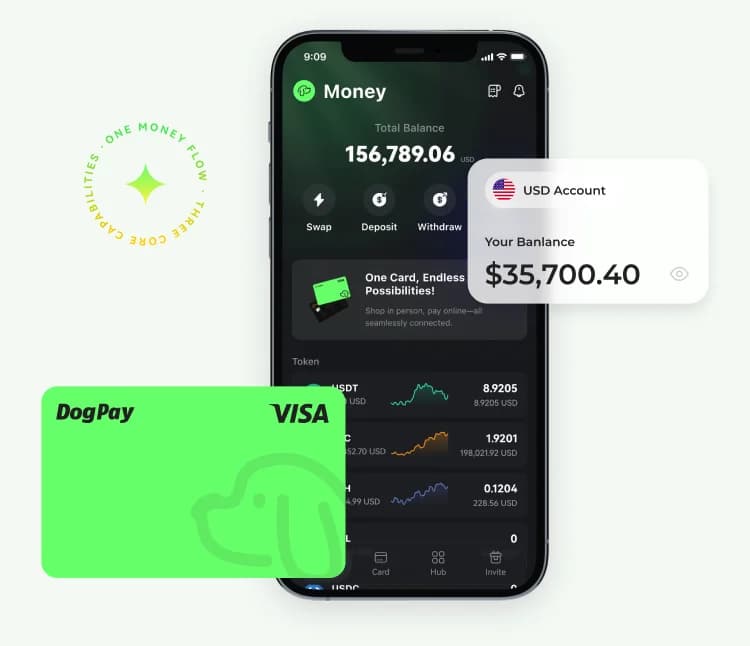
USDT / USDC Payments

ACH · FedWire · SWIFT
virtual · physical cards
apple pay · google pay
USDT / USDC Payments
ACH · FedWire · SWIFT
virtual · physical cards
apple pay · google pay
USDT / USDC Payments
ACH · FedWire · SWIFT
virtual · physical cards
apple pay · google pay
USDT / USDC Payments
ACH · FedWire · SWIFT
virtual · physical cards
apple pay · google pay
USDT / USDC Payments
ACH · FedWire · SWIFT
virtual · physical cards
apple pay · google pay
how money moves
Get paid. Then choose what happens next.
Receive stablecoins or USD, then hold, convert, transfer or spend — all from your DogPay account.
01 / Receive
Receive your money
Collect USDT or USDC with a payment link, or receive USD in your personal account.
02 / Manage
Choose what to do
Hold your balance, or convert and transfer where supported.
03 / Spend
Put the money to use
Connect a virtual or physical card for online payments, in-store purchases or ATM withdrawals.
Start with your need
What do you need to solve first?
Choose the problem you need to solve now. Tap any card to see the product details.
personal acquiring
View detailsReceive USDT / USDC
Create a payment link, QR code or email invoice so international clients can pay you in stablecoins.
Individual accountPayment LinksEmail Invoices
Explore personal payments
DOGPAY ibank
View detailsReceive USD
Receive, hold and transfer USD with support for ACH, FedWire and SWIFT.
Personal USD AccountBank TransferLink Cards
Explore your USD account
dogpay card
View detailsSpend your balance
Use a virtual card online and a physical card across supported POS, mobile wallet and ATM scenarios.
Virtual CardPhysical CardGlobal Spending
Explore DogPay card

Built for real life
Made for people whose money crosses borders
When income, accounts and spending happen across countries or currencies, a connected money flow matters.
01
Freelancers
Get paid in USD or stablecoins for design, development, consulting and other services.
02
Creators and solo sellers
Collect sponsorships, service fees, memberships or digital product payments through links and invoices.
03
Remote workers
Receive salary or project income into a personal USD account, then hold, transfer or spend.
04
Stablecoin users
Convert supported stablecoins into USD or connect a card for everyday payments.
YOUR FIRST TRANSACTION
5 Steps to Get Started From Registration
Do not activate everything at once. Start with one real need and use a small amount to validate the full flow.
01
Get the App
Open DogPay on mobile.
02
Create an account
Enter accurate personal details.
03
Complete KYC
Verify your identity as requested.
04
Choose a product
Get paid, receive USD or open a card.
05
Complete your first flow
Start small and verify every step.

security & compliance
Security and compliance are part of the product
Identity and transaction checks help confirm account ownership, detect unusual activity and protect the payment flow. Some transactions may require additional purpose or source-of-funds information.
Explore DogPay complianceKYC
Verify your identity before banking, cards or payments
AML/KYT
Detect unusual or high-risk activity
PCI-DSS Level 1
Card data security standard
Transaction Confirmation
Confirm fees, rates, limits and final amounts
Questions before your first transaction
Start with the short answers here. For steps, availability and the latest product rules, visit the Help Center.
Personal acquiring supports individual applications without a business license. You still need to complete KYC, pass KYT checks and meet regional, currency and network requirements.
Go to Personal Help
Go to Personal Help
Start with one real money problem
Get the DogPay App, create your account and complete KYC. Then choose one product and use a small first transaction to validate the full flow.