
DogPay iBank
One personal USD account to receive, hold, transfer and spend
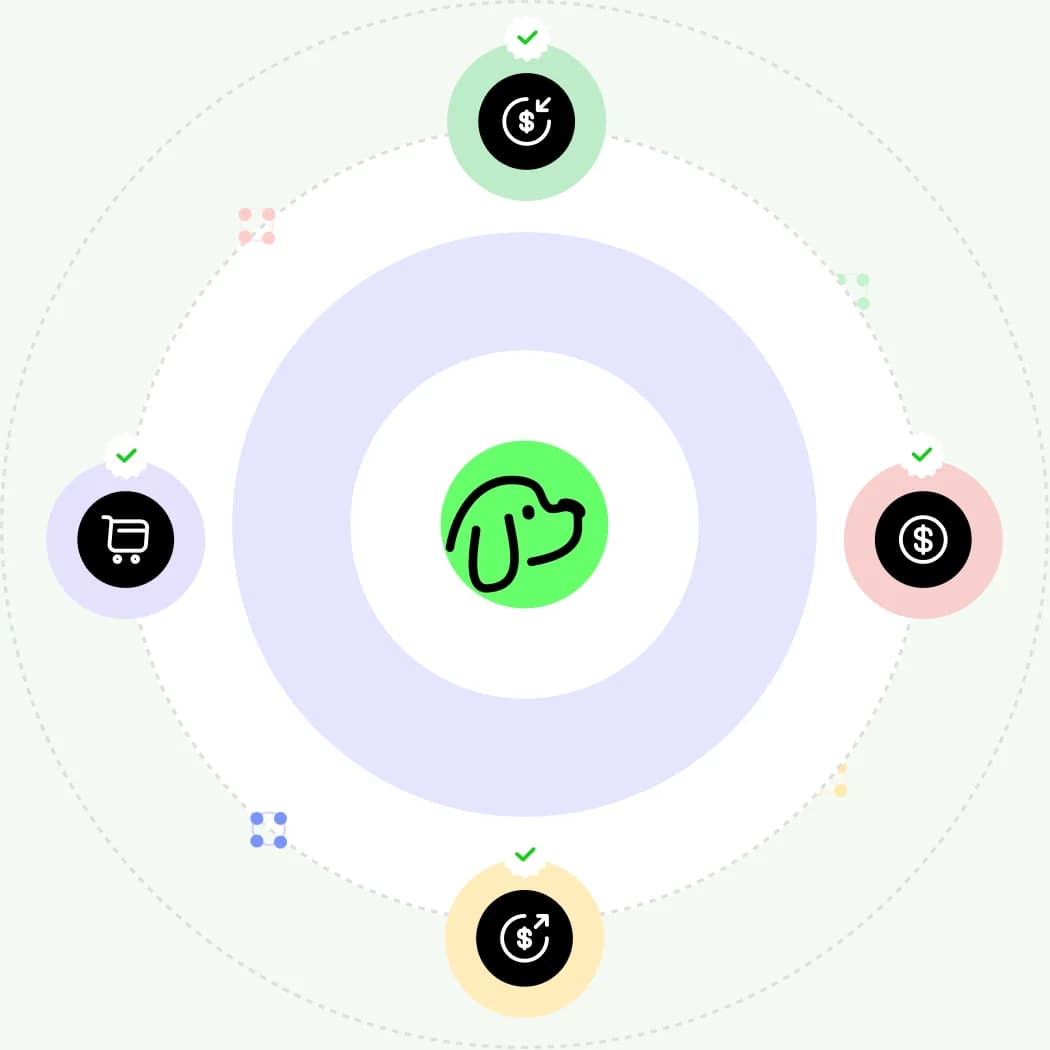
Receive USD or convert supported stablecoins and move the USD into your account. Then hold, transfer or connect a DogPay Card for spending.
ACH
US local transfers
FedWire
US bank wires
SWIFT
International bank transfers
Core capabilities
Receive, hold, convert, send and spend USD
Six everyday capabilities show how money moves through your account.
01
Receive and hold USD
Receive supported salary or client payments and keep USD until you need it.
02
ACH / FedWire / SWIFT
Choose a supported rail based on the sender's bank and region.
03
Convert stablecoins to USD
Convert supported stablecoins, review the rate and fee, then deposit USD.
04
Send USD onward
Transfer USD to another account through supported bank rails.
05
Connect a DogPay Card
Use eligible balances for supported online and offline spending.
06
Identity and compliance checks
KYC applies; some transfers may require source or purpose details.
01
Receive and hold USD
Receive supported salary or client payments and keep USD until you need it.
02
ACH / FedWire / SWIFT
Choose a supported rail based on the sender's bank and region.
03
Convert stablecoins to USD
Convert supported stablecoins, review the rate and fee, then deposit USD.
04
Send USD onward
Transfer USD to another account through supported bank rails.
05
Connect a DogPay Card
Use eligible balances for supported online and offline spending.
06
Identity and compliance checks
KYC applies; some transfers may require source or purpose details.

Choose the rail
ACH, FedWire or SWIFT?
Start with one question: where is the sender's bank, and which transfer rail does it support?
US LOCAL
ACH
For senders in the US using local bank transfers. Often used for payroll, US client payments or platform settlements.
US WIRE
FedWire
For US senders who specifically need a bank wire. Fees and processing time may differ from ACH.
INTERNATIONAL
SWIFT
For senders outside the US. Usually requires SWIFT details, bank name, address and beneficiary information.
Apply for a personal USD account in five steps
01
Get the DogPay App
02
Create an account
03
Complete KYC
04
Submit your application
05
View details after approval
01
Get the DogPay App
02
Create an account
03
Complete KYC
04
Submit your application
05
View details after approval
Questions before your first transaction
Find full guidance on opening an account, receiving payments, fees, transfer rails and account use.
Browse bank account help
Select a supported stablecoin and network in DogPay, review the rate, fee and expected amount, convert to USD and then move the USD into your personal account.
Read the complete account usage guide
Read the complete account usage guide
Receive your next USD payment into your own account
Get the App, create your account and complete KYC. Then open Personal Banking and submit your application. Region, documents, fees and approval are subject to review.
Get the DogPay App