Case 1: Incorrect Token or Network Address
Before making a deposit, please double-check that the token and network are selected correctly.
If the deposit has not been credited after more than one day due to incorrect information, please contact DogPay Support and provide your transaction hash (Hash ID) and registered email address.
Case 2: Withdrawal from Non-Exchange Wallets (Using Other On-Chain Sources)
Deposits from non-exchange wallets may be subject to KYT screening.
If the source address is associated with high-risk on-chain activity, the deposit may not be credited.
You may contact DogPay Support via the community by sending a private message with your registered email address and Hash ID, or send an email to [email protected] using the format below:
Subject: Deposit Not Credited
Registered Email:
Hash ID:
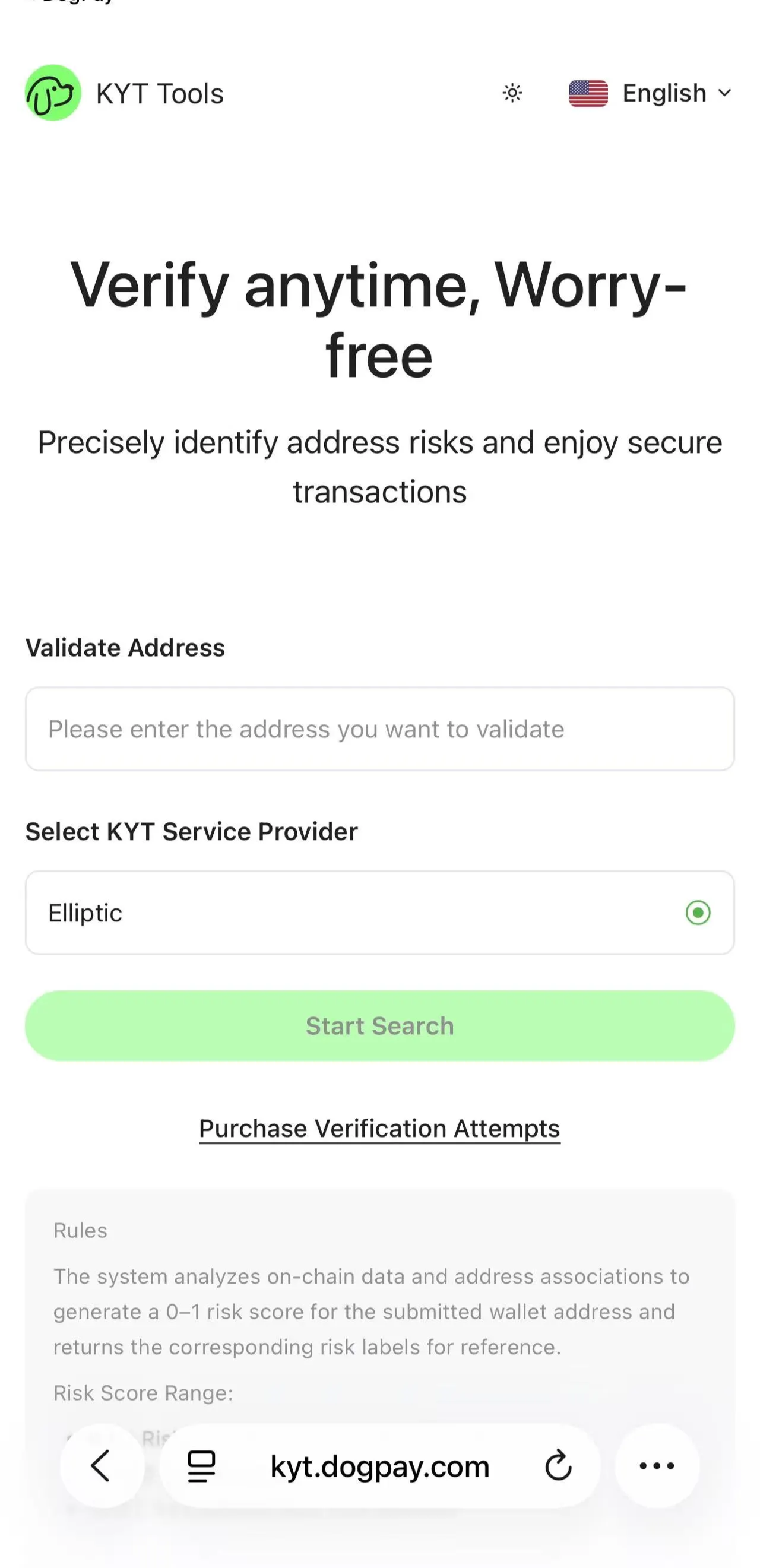
TIPS: Welcome to use the KYT Tool
Simply enter the source address you plan to deposit from to view:
On-chain risk score
Fund flow path
Full risk report
This helps you assess deposit safety in advance and avoid fund returns.
Case 3: Refund Time for Deposits Not Credited
After you submit the Hash ID to DogPay Support, your funds will enter the refund queue.
For deposits that have already been reported as not credited, the refund process usually takes 1–3 business days.