Verification Process
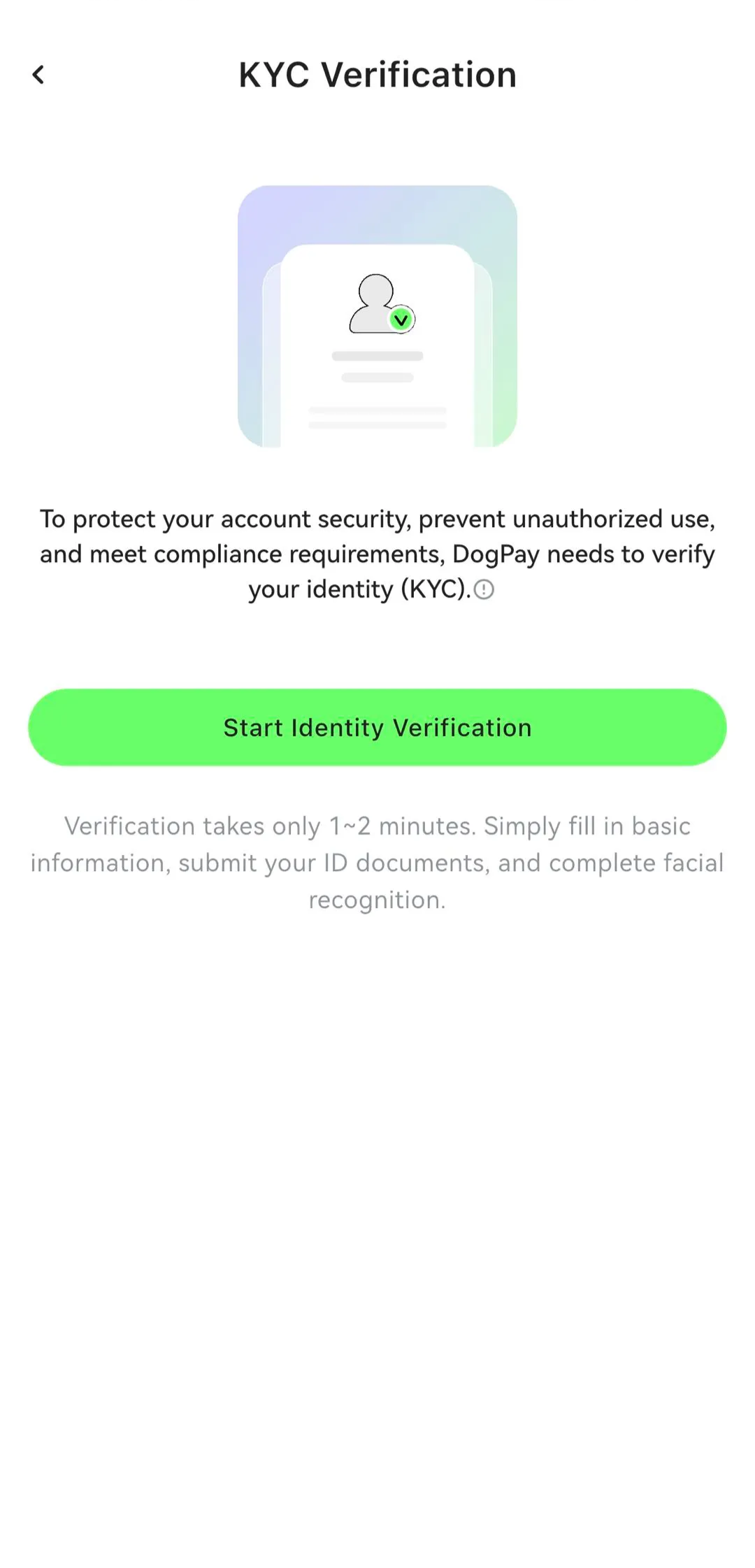
💡 Before applying for a card, users are required to complete individual KYC verification.
The process includes submitting personal information, uploading identity documents, and completing facial recognition.
1. KYC Requirement
Before applying for a card or accessing other services, users must complete KYC verification.
At present:
Identity documents must be submitted in accordance with the options available on the verification page
A proof of overseas address is required
Certain IP addresses or regions may not be supported
2. Country / Region Selection
Please select your country or region of residence.
If your country cannot be found in the list, please contact DogPay Support to confirm whether it is a restricted jurisdiction.
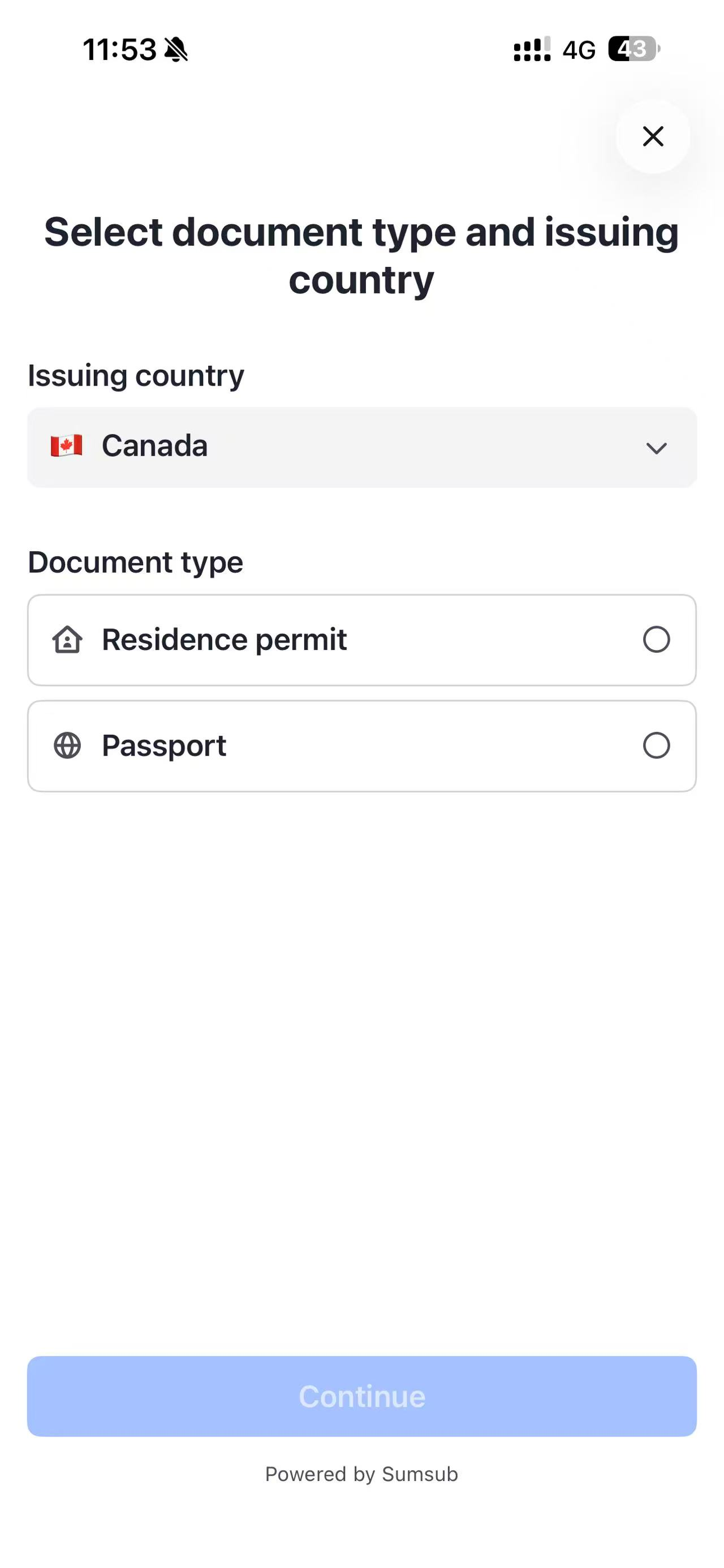
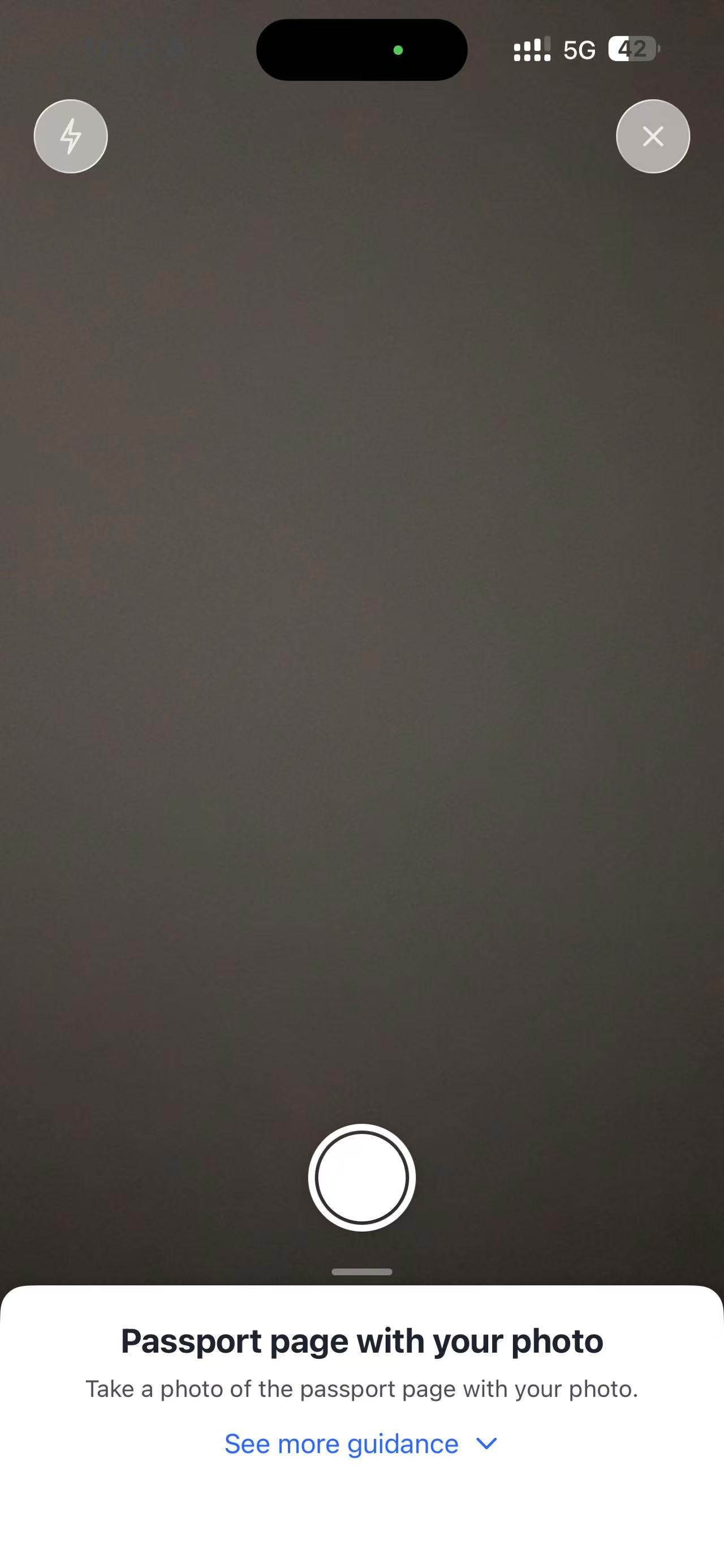
3. Identity Document Submission
Submit your passport or residence permit as required.
Please note that image uploads are not supported at this time — documents must be captured using the camera during the process.
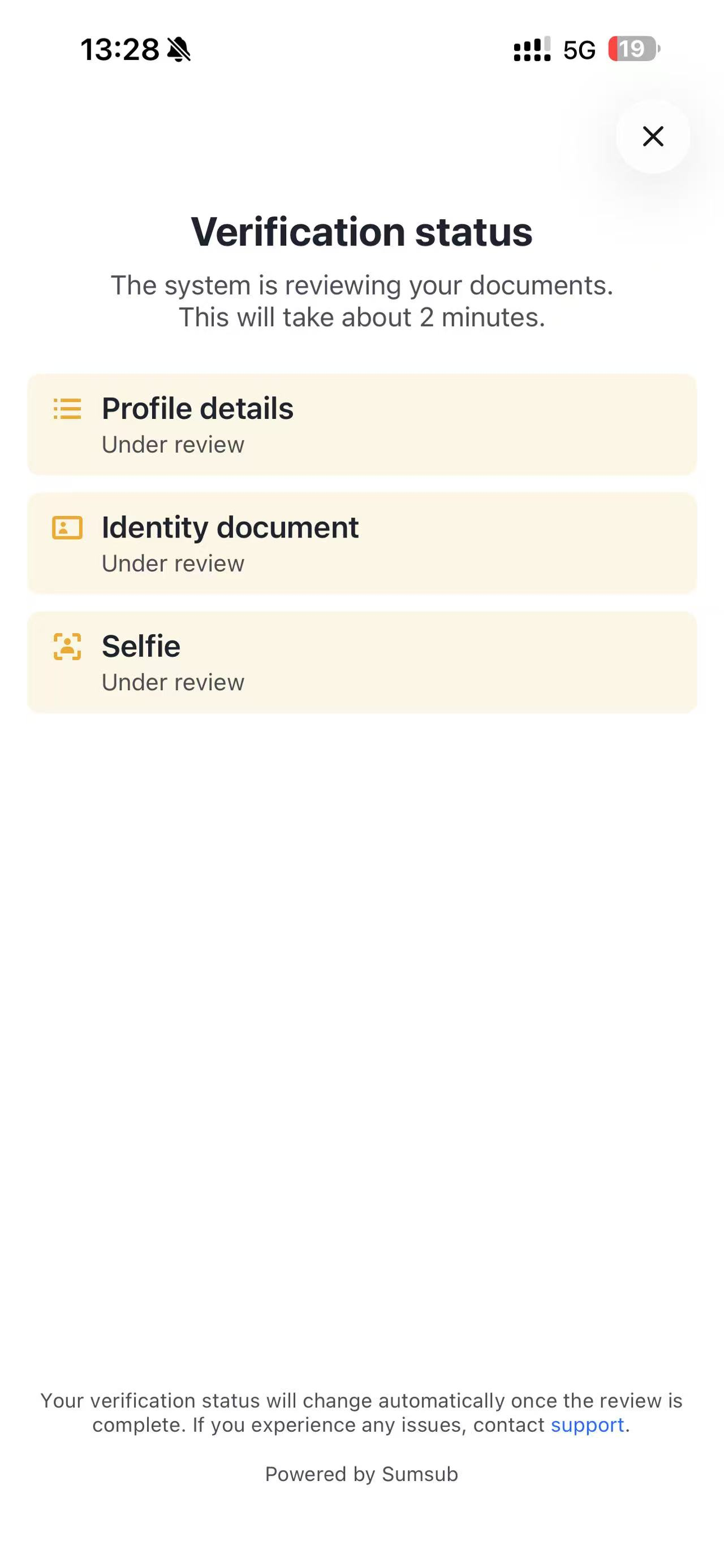
4. Facial Recognition
After document submission, you will be guided to complete facial recognition.
Once completed, your application will enter the system review stage.
5. Proof of Overseas Address
After facial recognition, please submit a proof of overseas address, such as:
Utility bills
Bank statements
The document must clearly display your full name and residential address.
6. Verification Completion
Once the address information is successfully verified and the status shows KYC Approved, you may proceed to access other DogPay services.