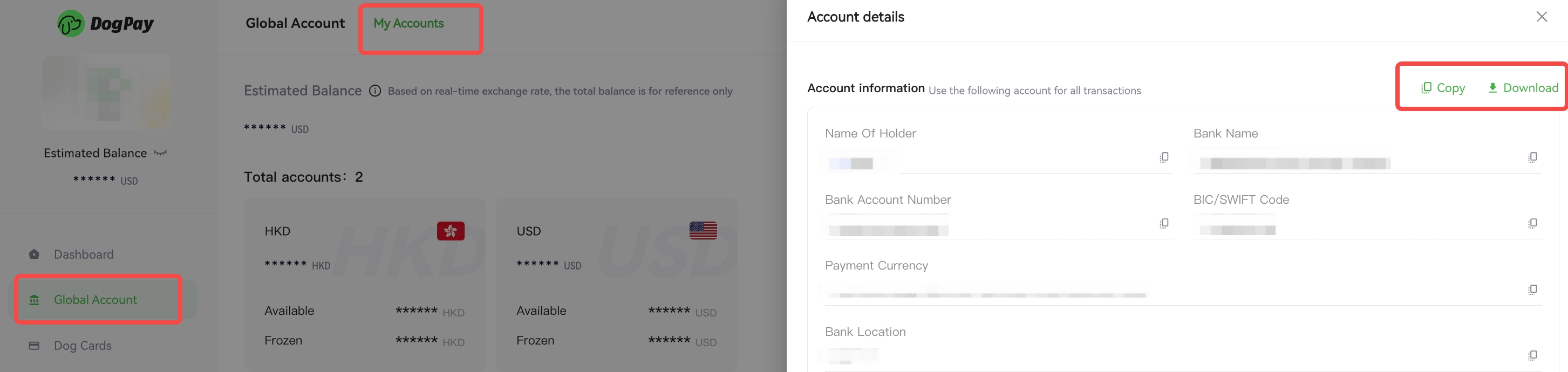
Once your bank account is successfully opened, you can view and download the account details in the DogPay merchant portal.
Example steps:
• Log in to your account and go to Global Account → My Accounts, then click the account you want to view.
• Click the Download button.
• After downloading, please store the file securely to prevent unauthorized access.
• You can also click Copy to copy the account details with one click for convenience.