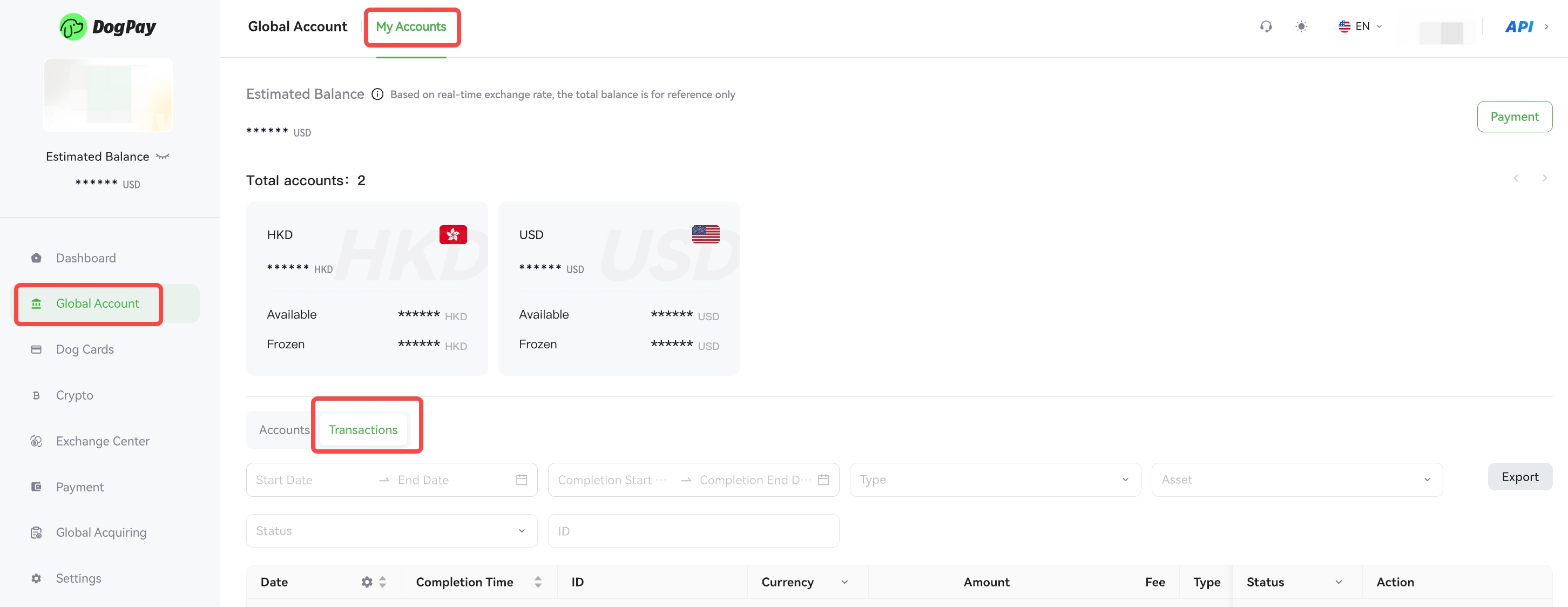
You can view detailed information for each transaction in the DogPay merchant portal.
Example steps:
• Log in to your account and go to Global Account → Transactions Details.
• On this page, find the transaction you want to view.
💡 Note:
If additional documents are required for a collection transaction, you can click the Deposit information button on this page to upload the necessary materials, ensuring smooth processing of your funds.