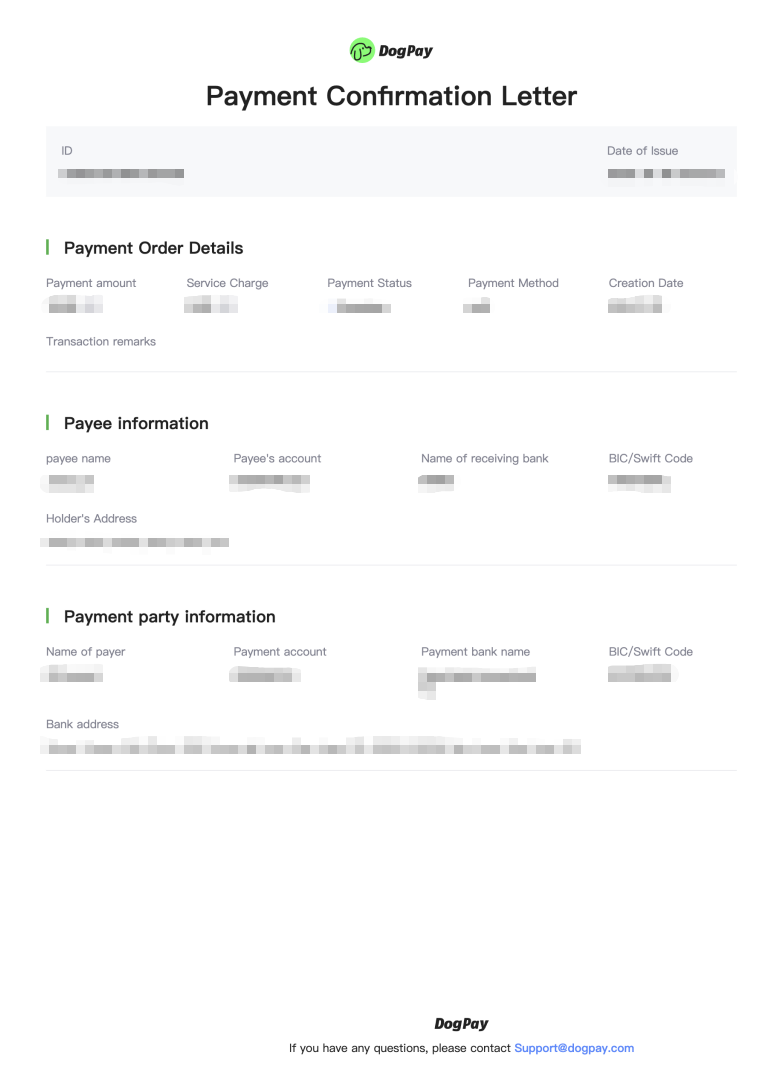
You can view detailed information for each payment and download the corresponding payment confirmation in the DogPay merchant portal.
Example steps:
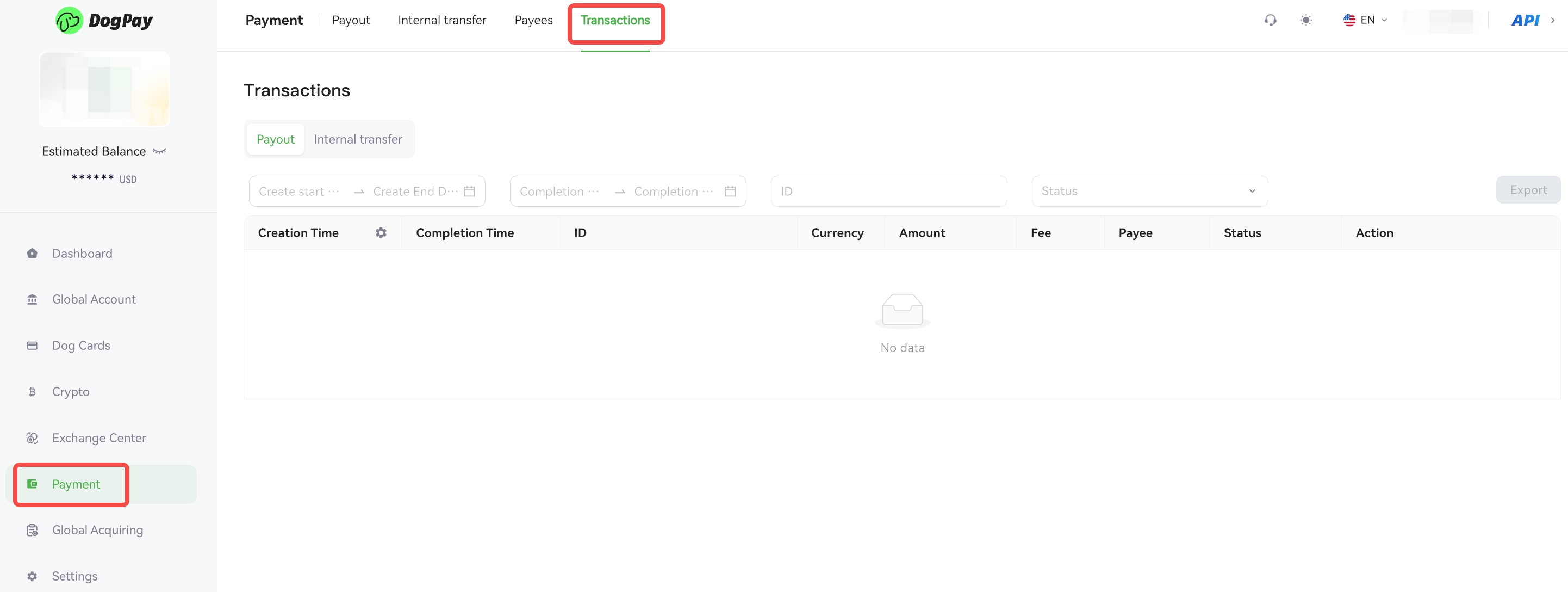
• Log in to your account and go to Payment → Transactions.
• Find the payment transaction you wish to view and check its details.
• Click Download Payment Slip to obtain the PDF file.
• After downloading, please store the file securely to prevent data leakage.
💡 Notes:
• If you need the MT103 for a specific payment, please contact us via email:📧 [email protected]
• The following is a sample payment confirmation letter provided for your reference: