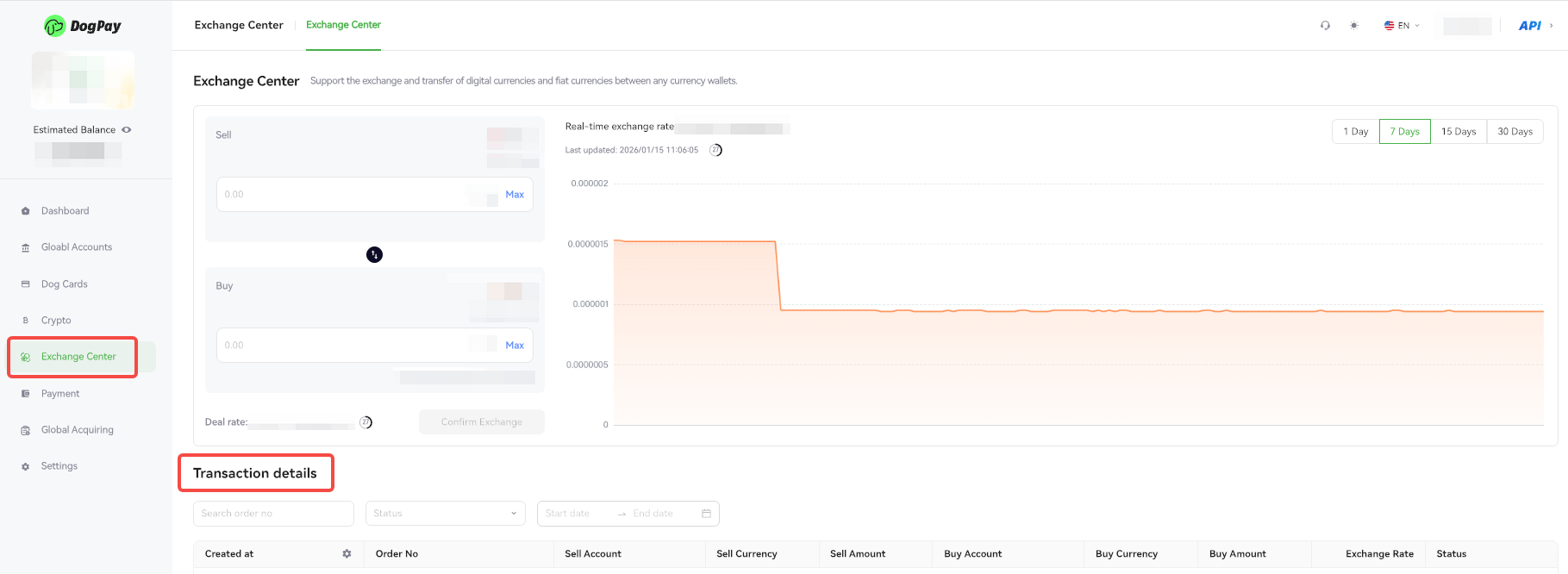
You can view all your exchange transactions via the DogPay Merchant Portal, making it easy to track fund movements and manage your account.
Example Steps:
• Log in to your account and go to Exchange Center → Transaction Details.
• In the transaction list, you can view each exchange’s currency, amount, exchange rate, time, and status.
• Use the filter or search functions to quickly find transactions by specific date or status.