You can delete cards that are no longer in use on the DogPay Merchant Portal.
Prepaid Card steps:
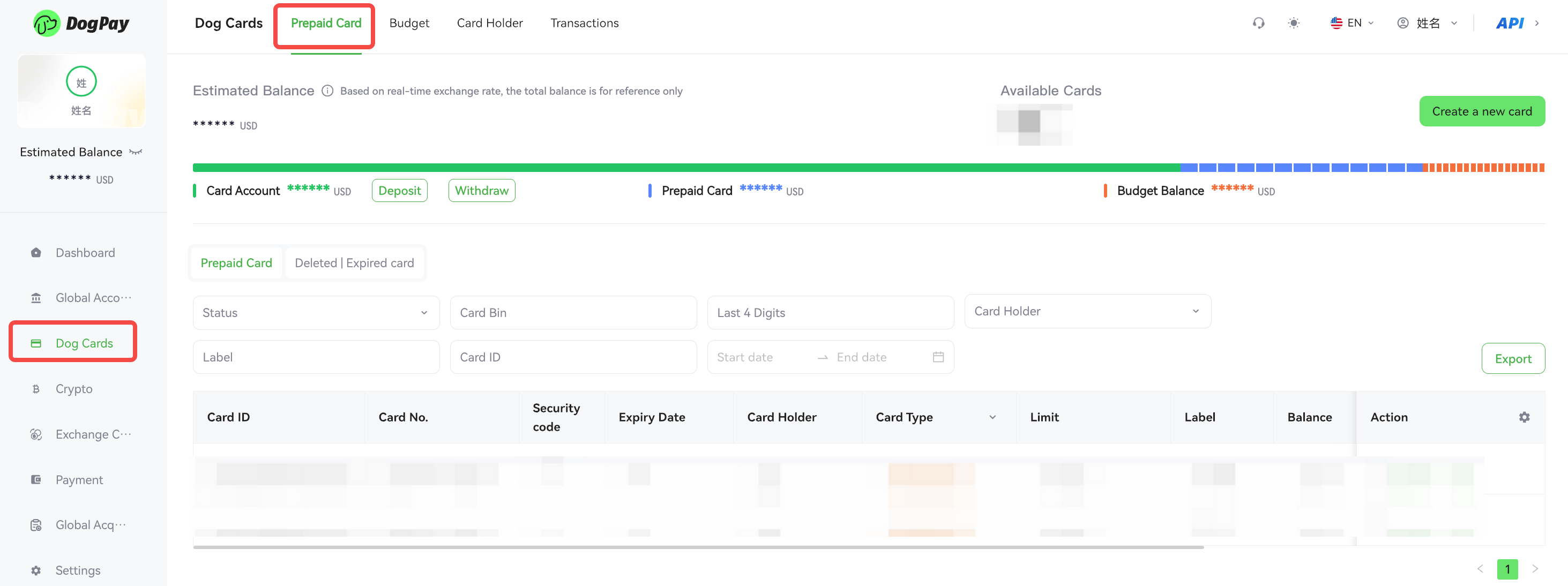
• Log in to your account and go to Dog Cards → Prepaid Card.
• Find the card you want to view and click View.
• Click Delete to remove the card.
Budget Card steps:
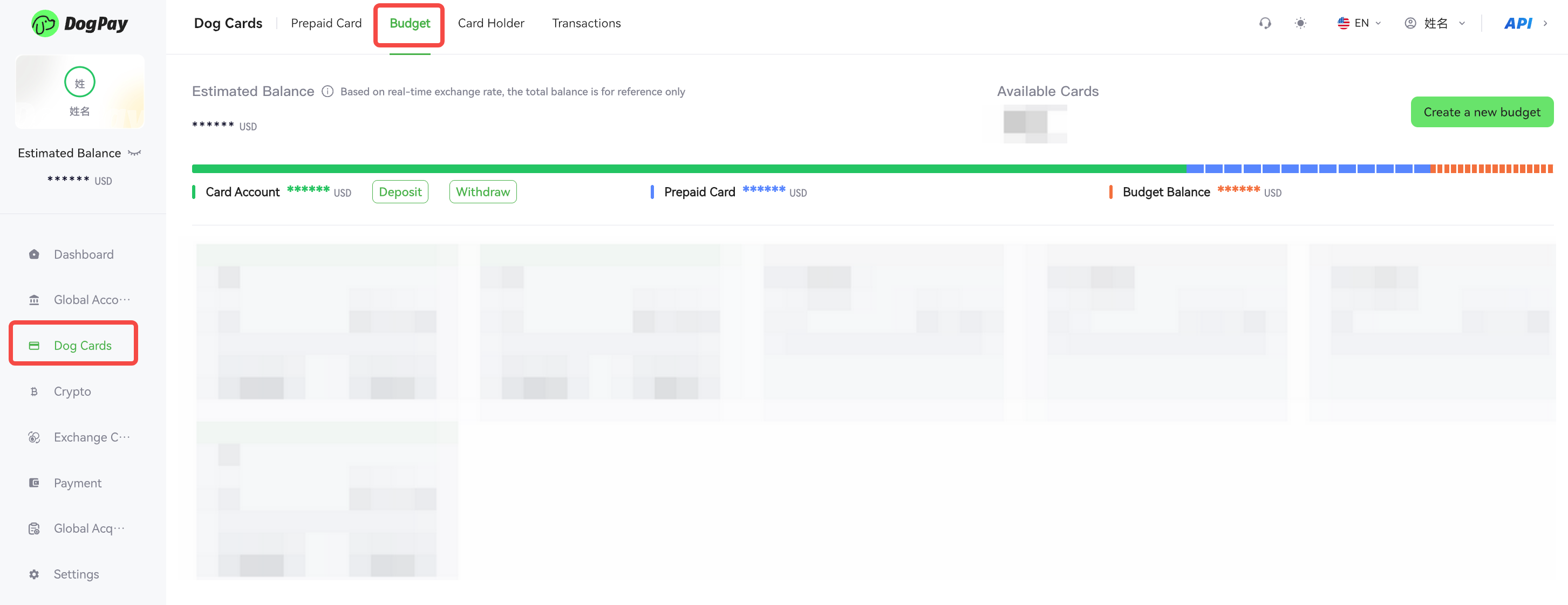
• Log in to your account and go to Dog Cards → Budget.
• Find the budget group containing the card and click Shared Cards.
• Locate the corresponding card and click View.
• Click Delete to remove the card.
💡 Notes:
• Before deleting a card, ensure the card balance has been cleared or transferred to another account.
• Deletion is irreversible, so please proceed with caution.
• After deletion, you can view the card’s history in the Deleted/Expired Card section.