You can create the collection order via the DogPay Merchant Portal.
Example Steps:
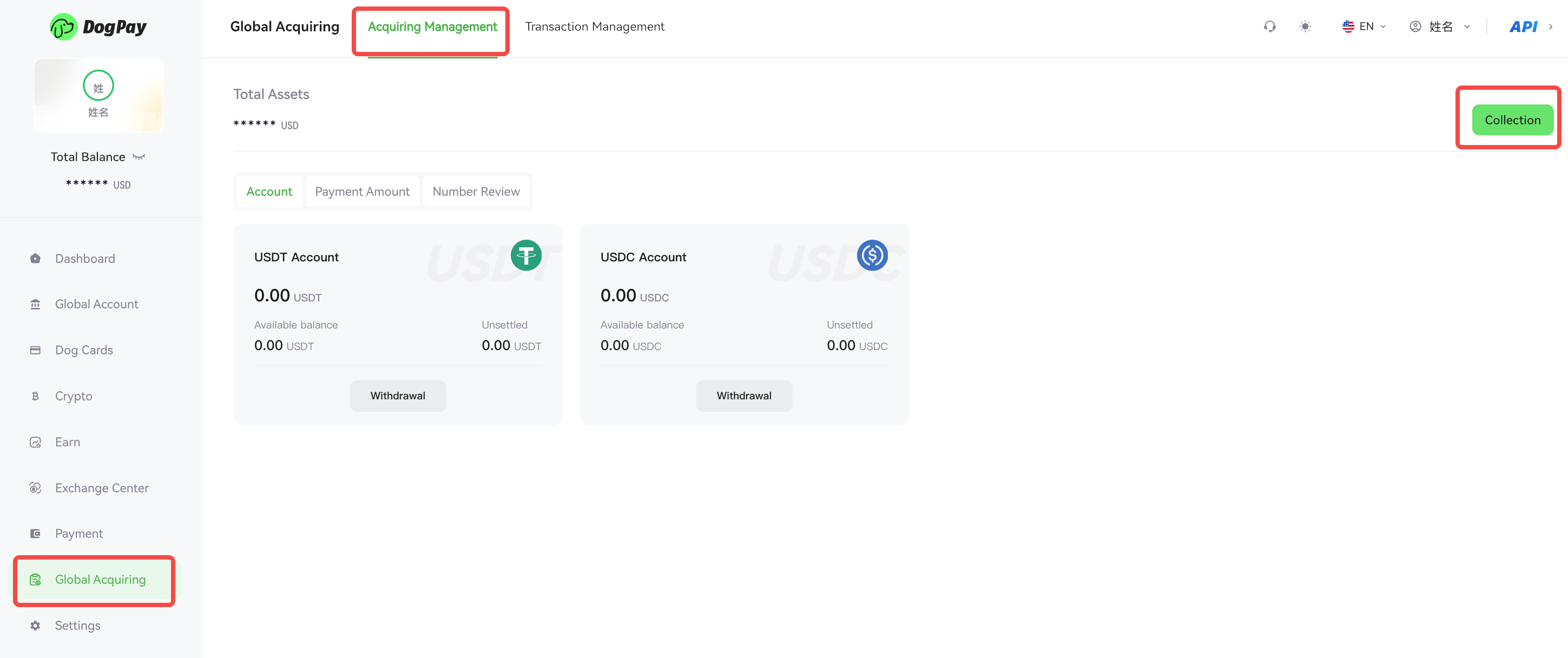
• Log in to your account and go to Global Acquiring → Acquiring Management.
• Click the Collection button to enter the order creation page, fill in the collection details, and click Create Order.
• You can share the payment link or QR code with the payer to complete the payment.
💡 Note:
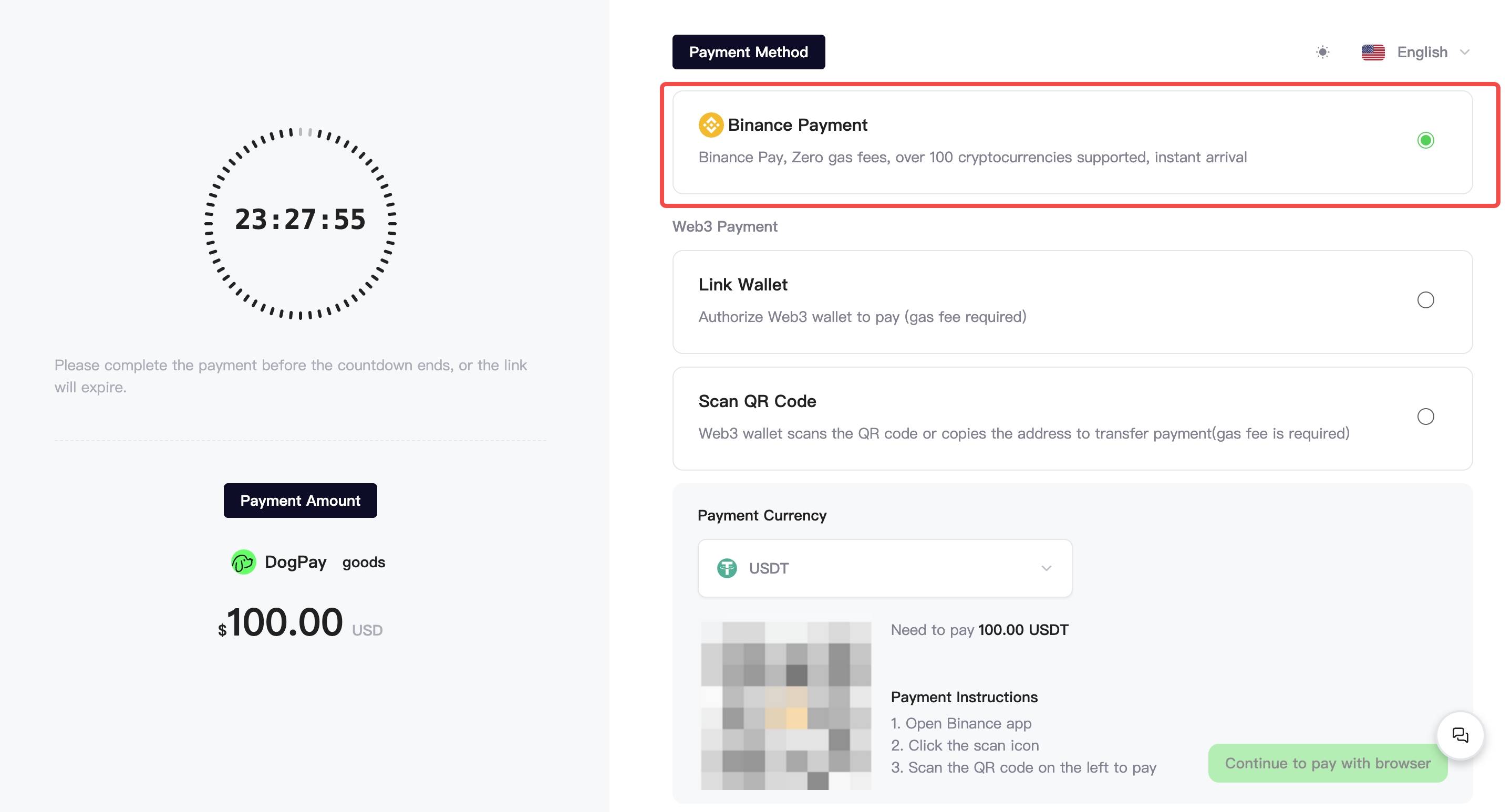
DogPay supports Binance Payment. Payers can choose this payment method to complete their payment.