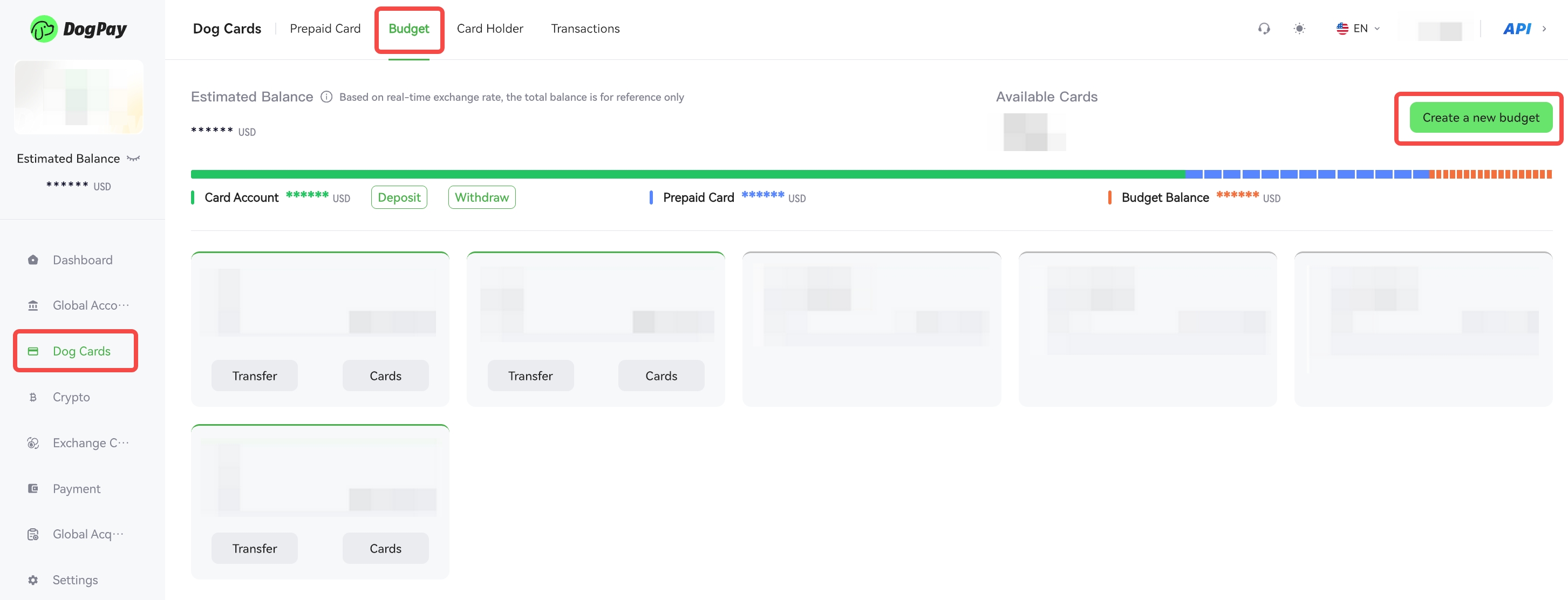
You can create a budget group on the DogPay Merchant Portal to centrally manage and allocate card funds.
Example steps:
• Log in to your account and go to Dog Cards → Budget.
• Click Create a new budget, enter the budget name, and set the budget amount.
• After confirming the information is correct, click Confirm to complete the creation.
💡 Note:
Once the budget group is created, you can add budget cards, view budget usage, or adjust the budget amount within the group.