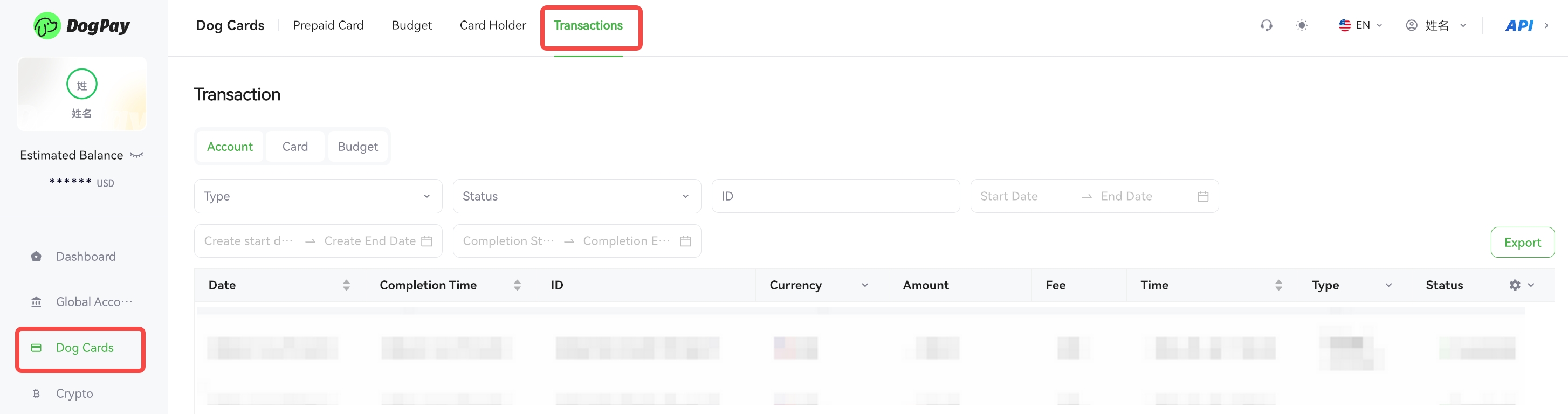
You can view your transaction details on the DogPay Merchant Portal to help manage your funds and reconcile accounts.
Example steps:
• Log in to your account and go to Dog Cards → Transactions.
• Select the account type you want to view (Card Account, Prepaid Card, or Budget Card), and use filters such as date or transaction type to find specific transactions.
💡 Notes:
• You can export transaction reports for accounting or auditing purposes.
• If you notice any suspicious transactions, please contact us via email for assistance: 📧[email protected].