• Bank Account
1. Add a Bank Account
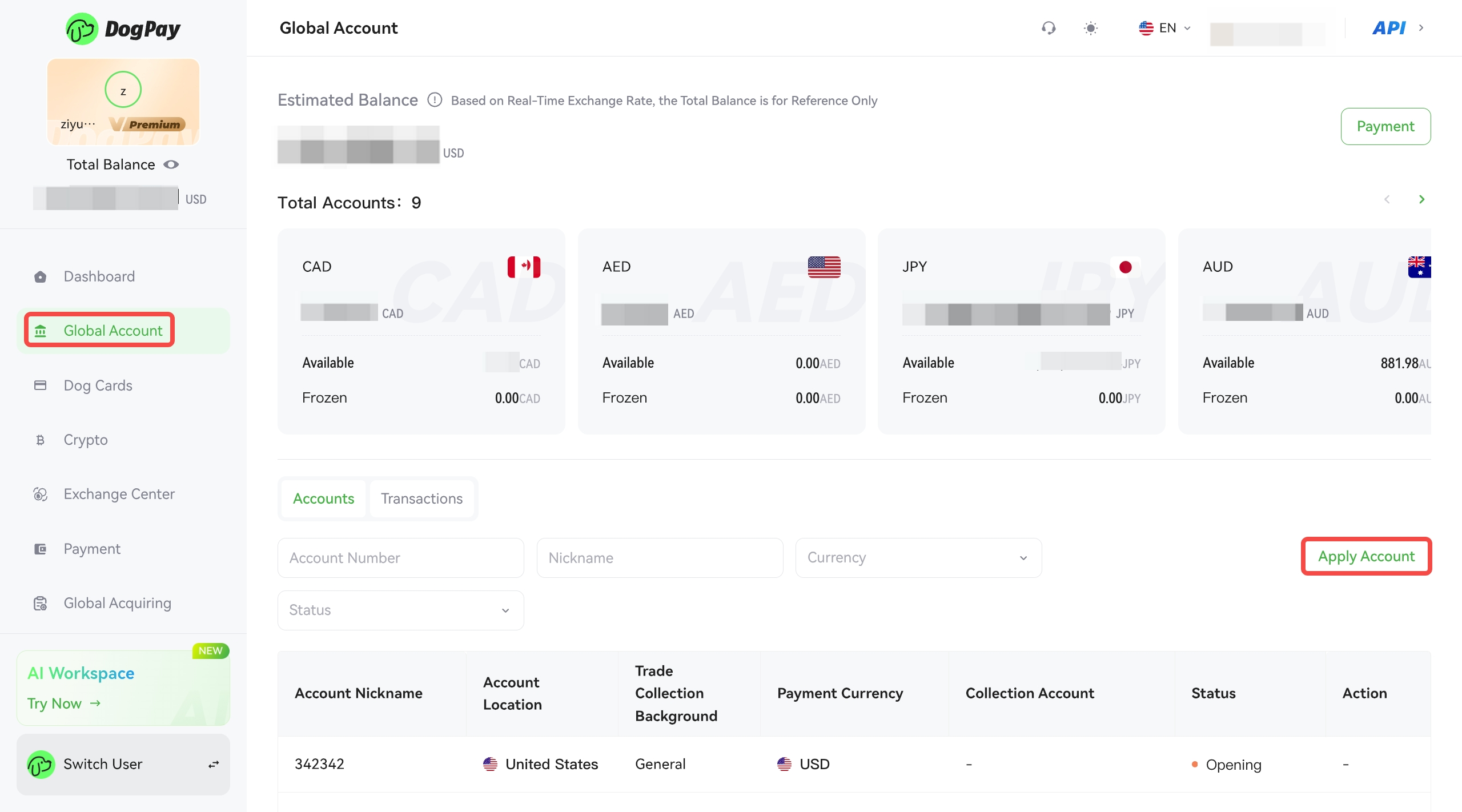
After successfully activating the [Global Account] function, please click [Apply Account] to apply for an account in your desired currency.
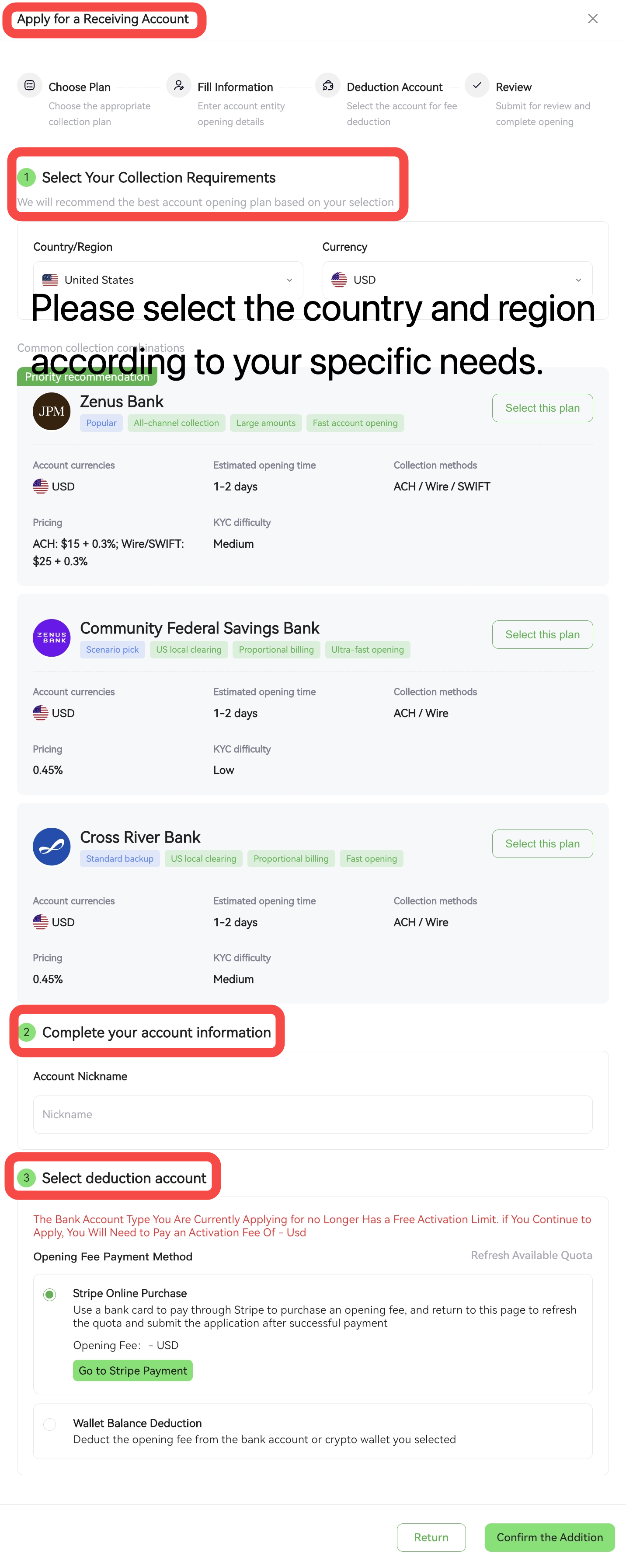
1. Please select your receiving country/region and account currency, and choose a suitable receiving account from the system's recommended options. (After submitting your account opening application, you may need to provide additional information.)
2. Set a nickname for your account; this will not affect the bank account holder's name.
3. Applying for a bank account requires paying an account opening fee. Currently, two payment methods are supported: wallet balance or Stripe payment.
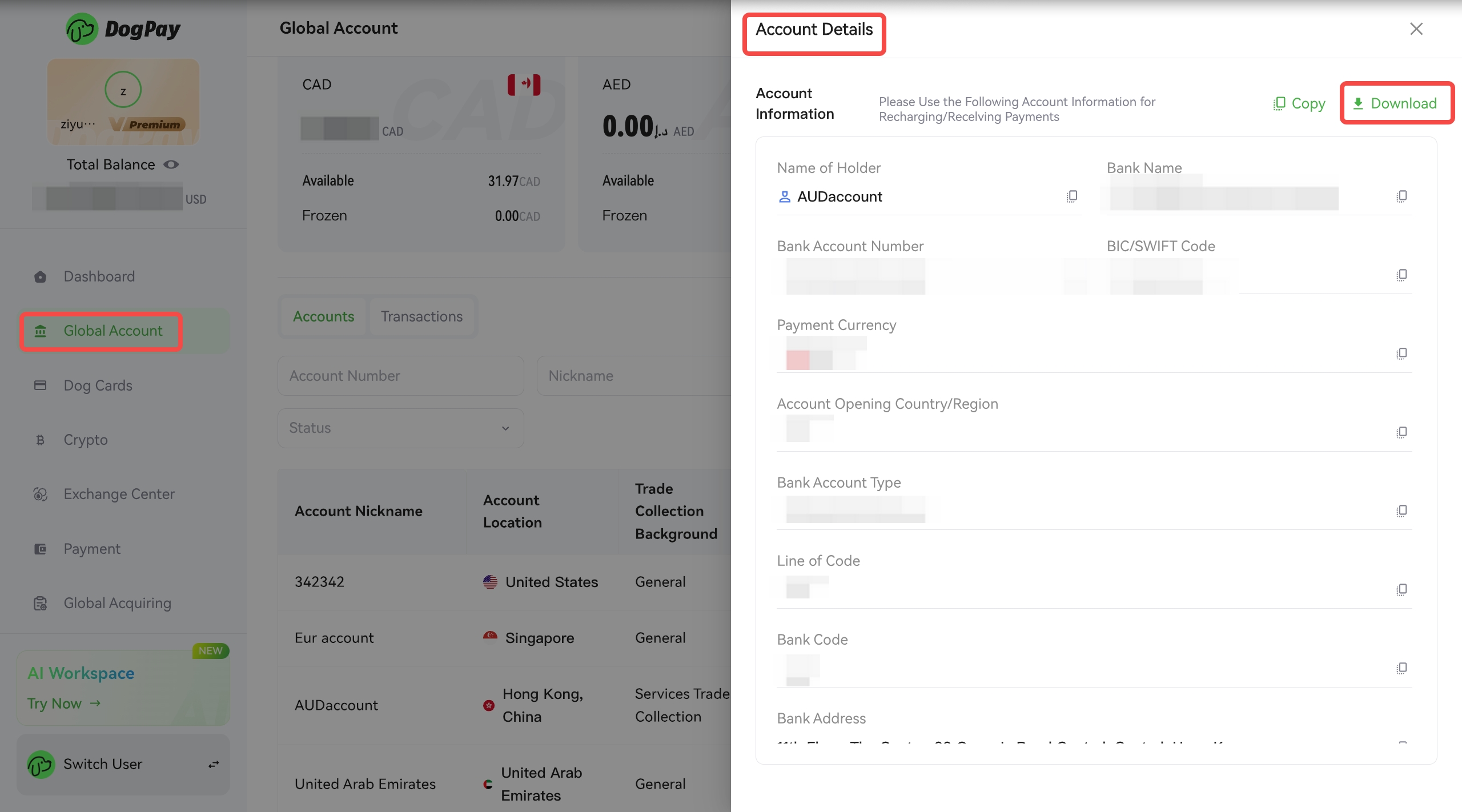
After opening a bank account, click on Account Information to view the details of the receiving account and download the account information.
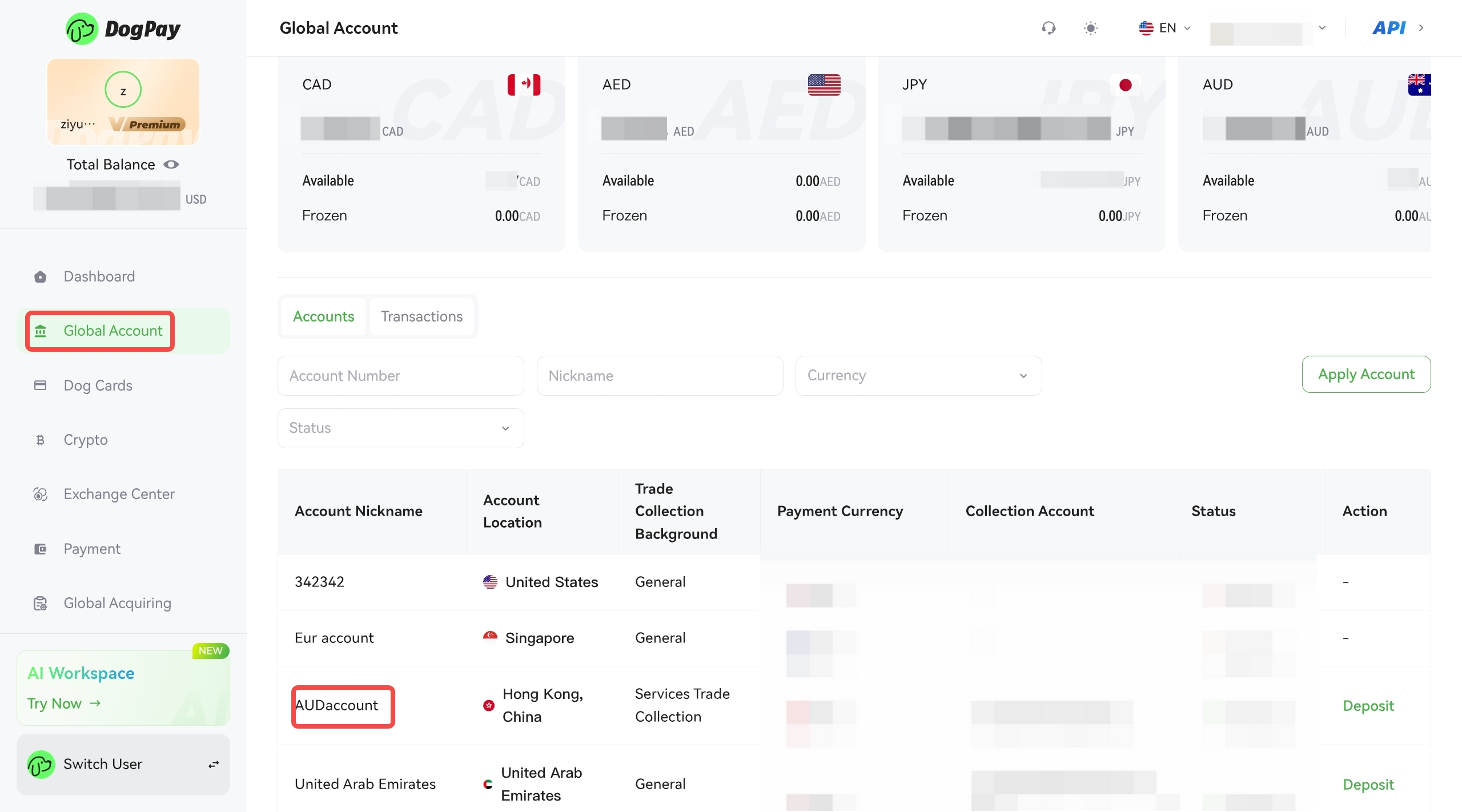
Special Note: The accounts shown in the image are for illustrative purposes only. Please view the actual accounts according to your needs.
2. Add a Payee
Before initiating a payment, you can add payee information. Please go to the [Payee Management] page, click [Add Payee] to complete the operation, and confirm the payment method in advance.
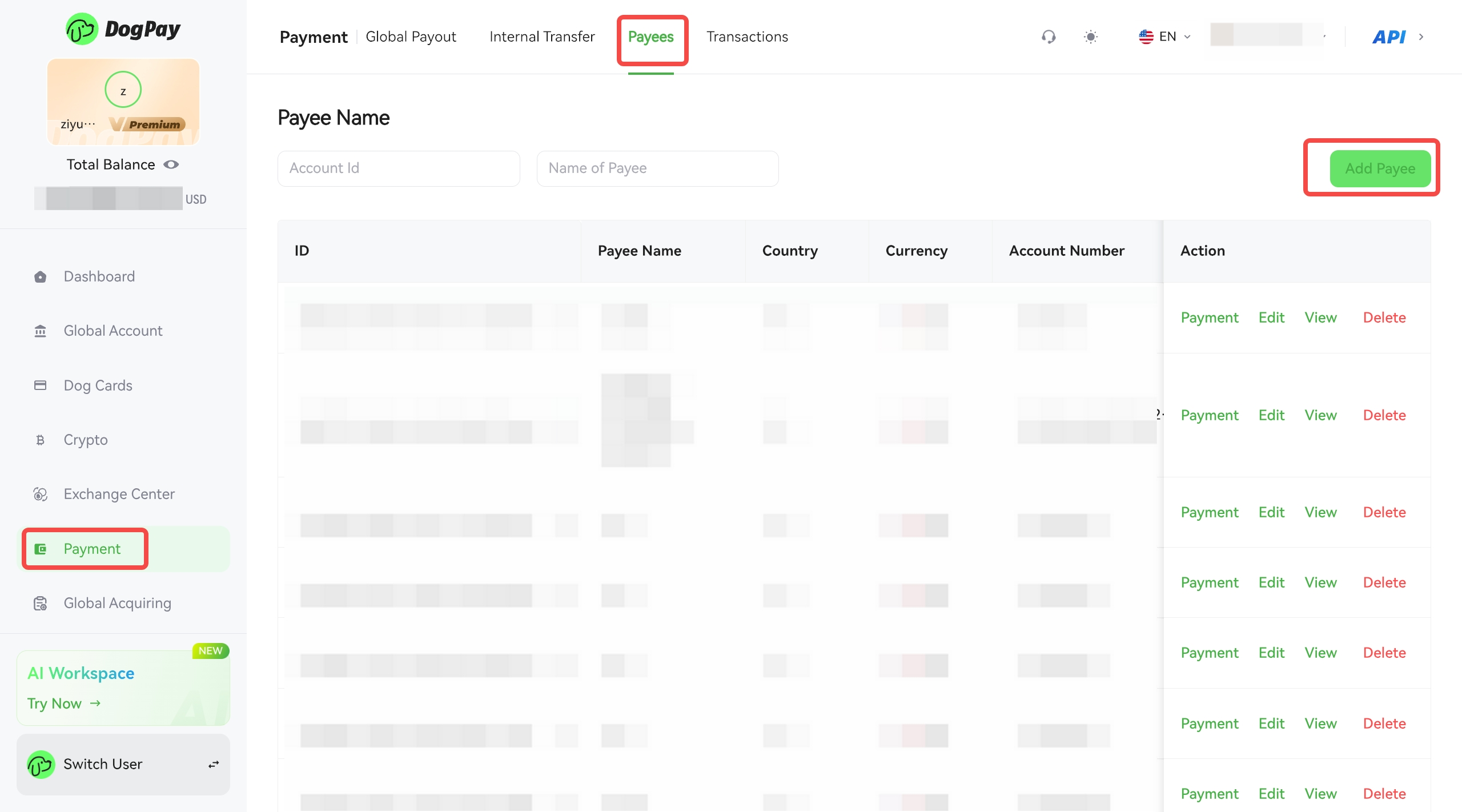
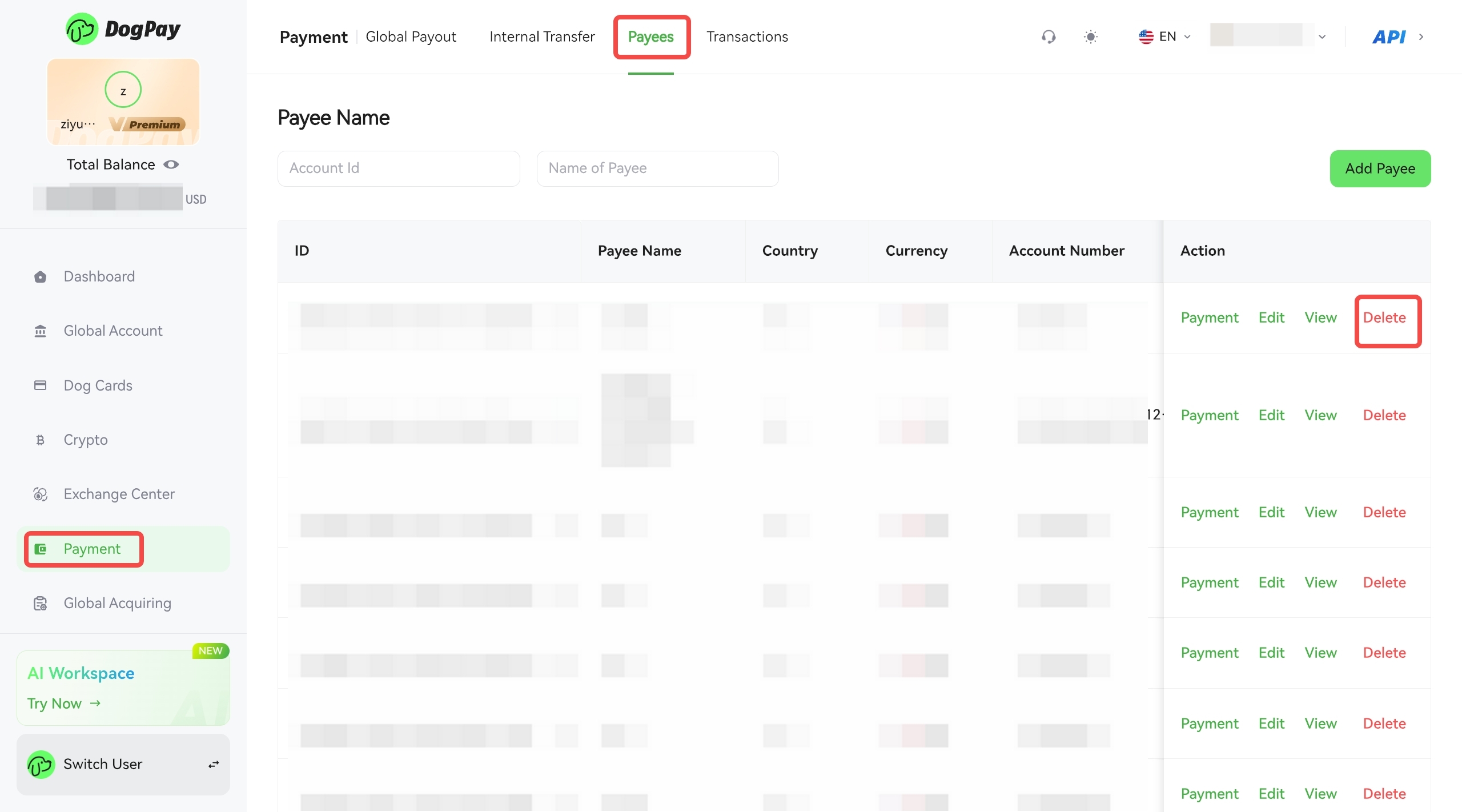
After successfully adding a payee, their account information will be displayed in the "Payee Management" list, where you can manage the payee account.
1. Payment: Initiate a payment.
2. Edit: Modify the payee's account information. Editing is not possible if a transaction is in progress.
3. View: View the payee's detailed account information.
4. Remove: Deletion is irreversible. You can add the payee again if needed.
• Payment
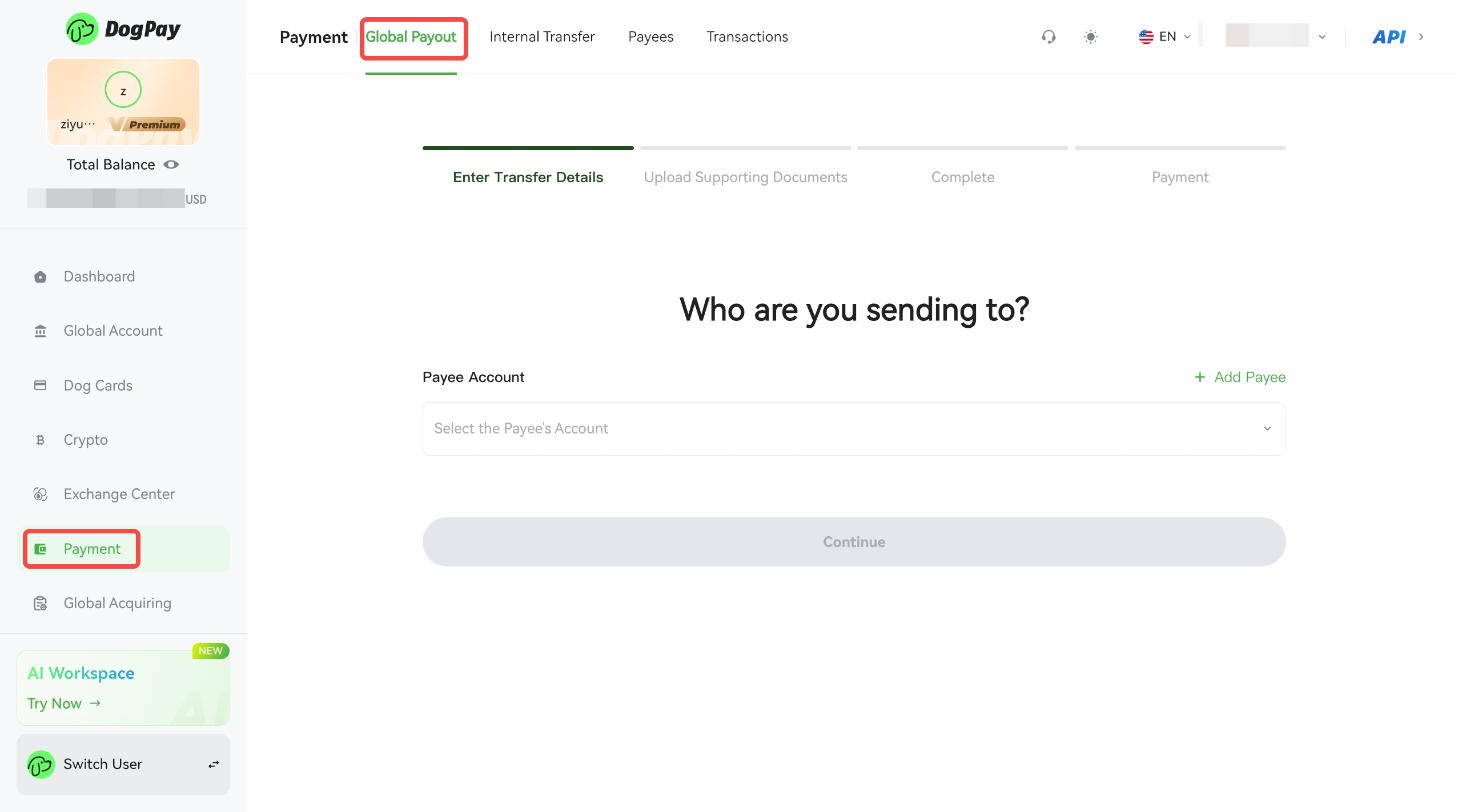
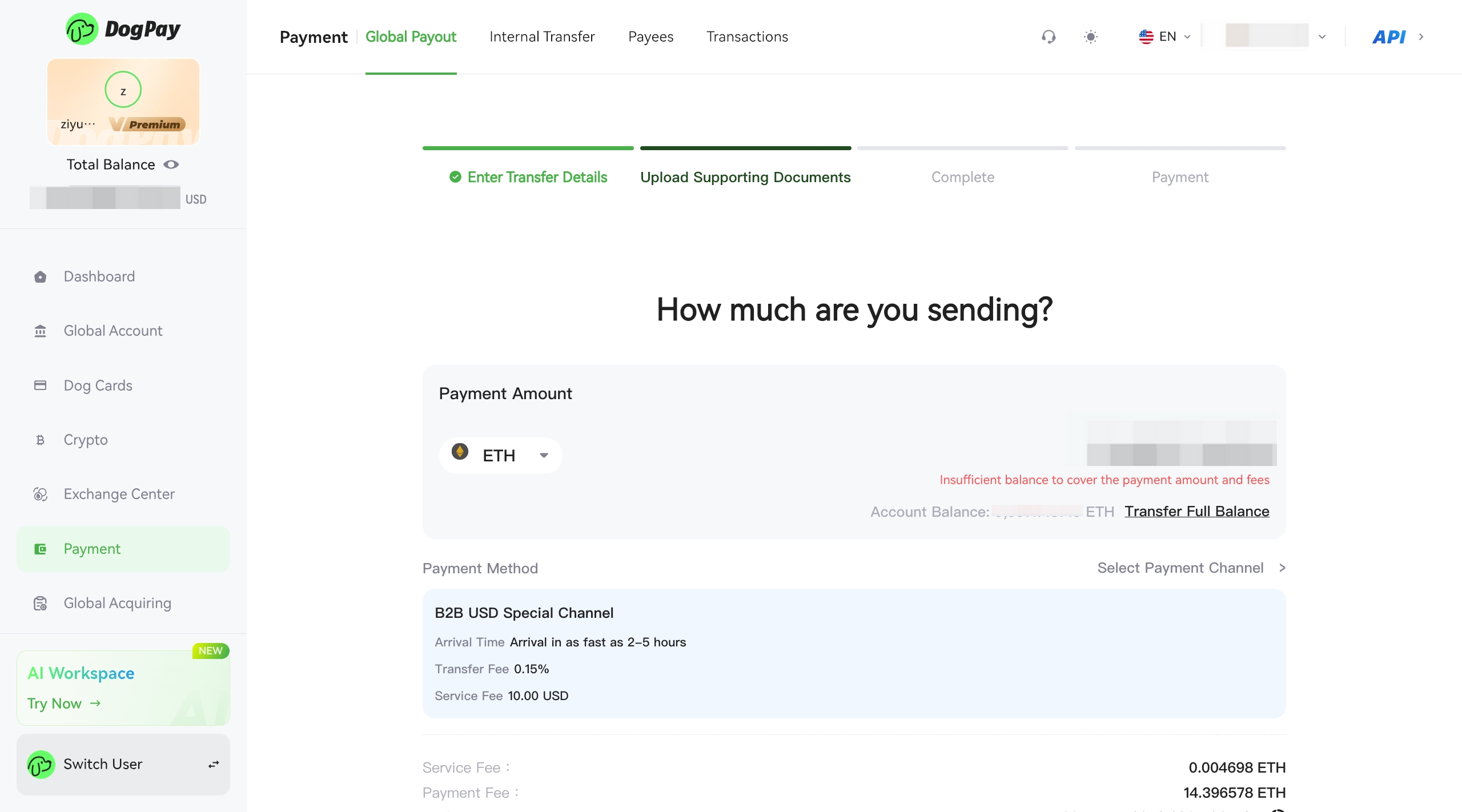
Please proceed to the payment initiation page to withdraw fiat currency.
Please select the receiving account, payment amount, payment channel, and upload supporting documentation.
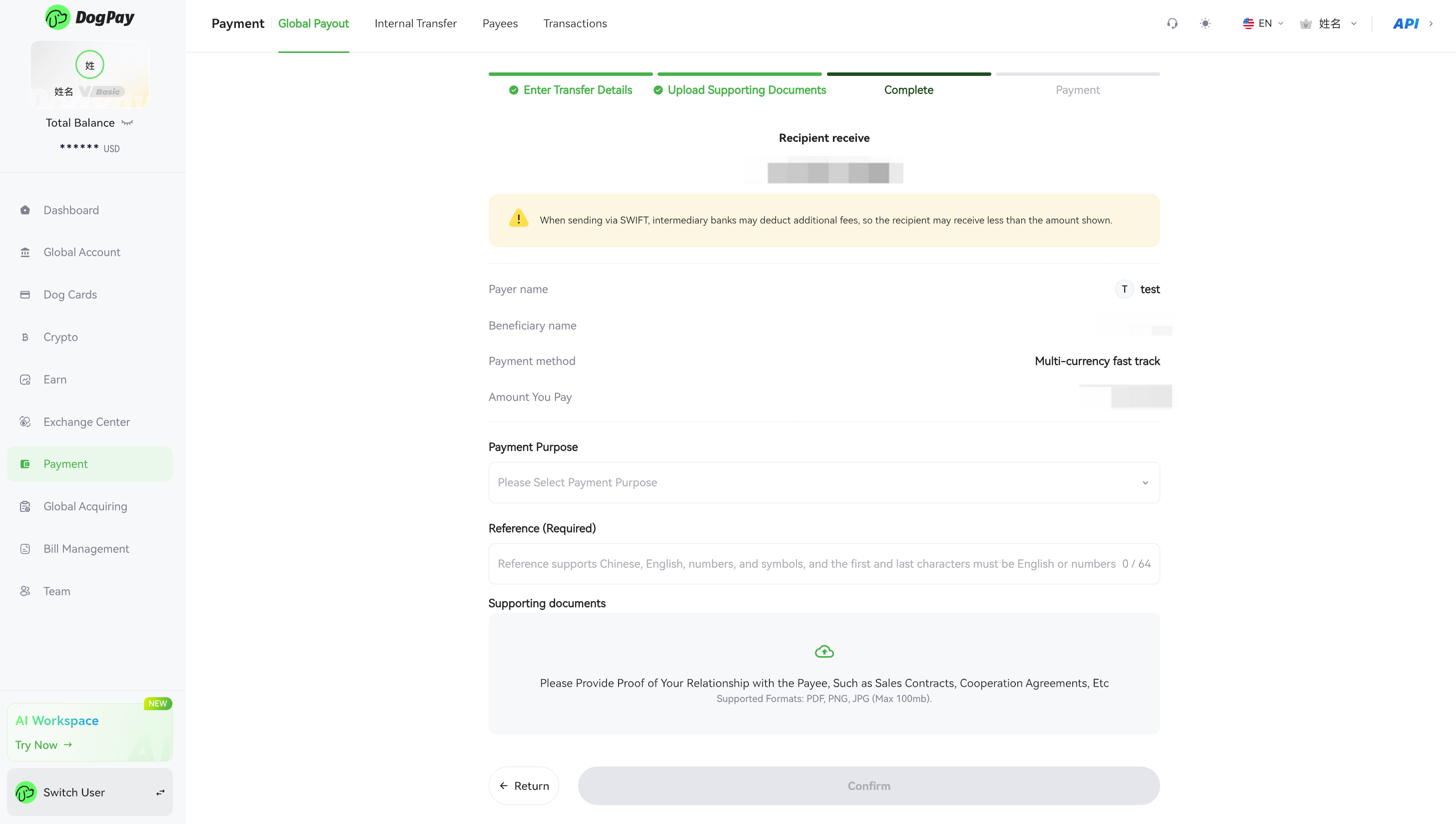
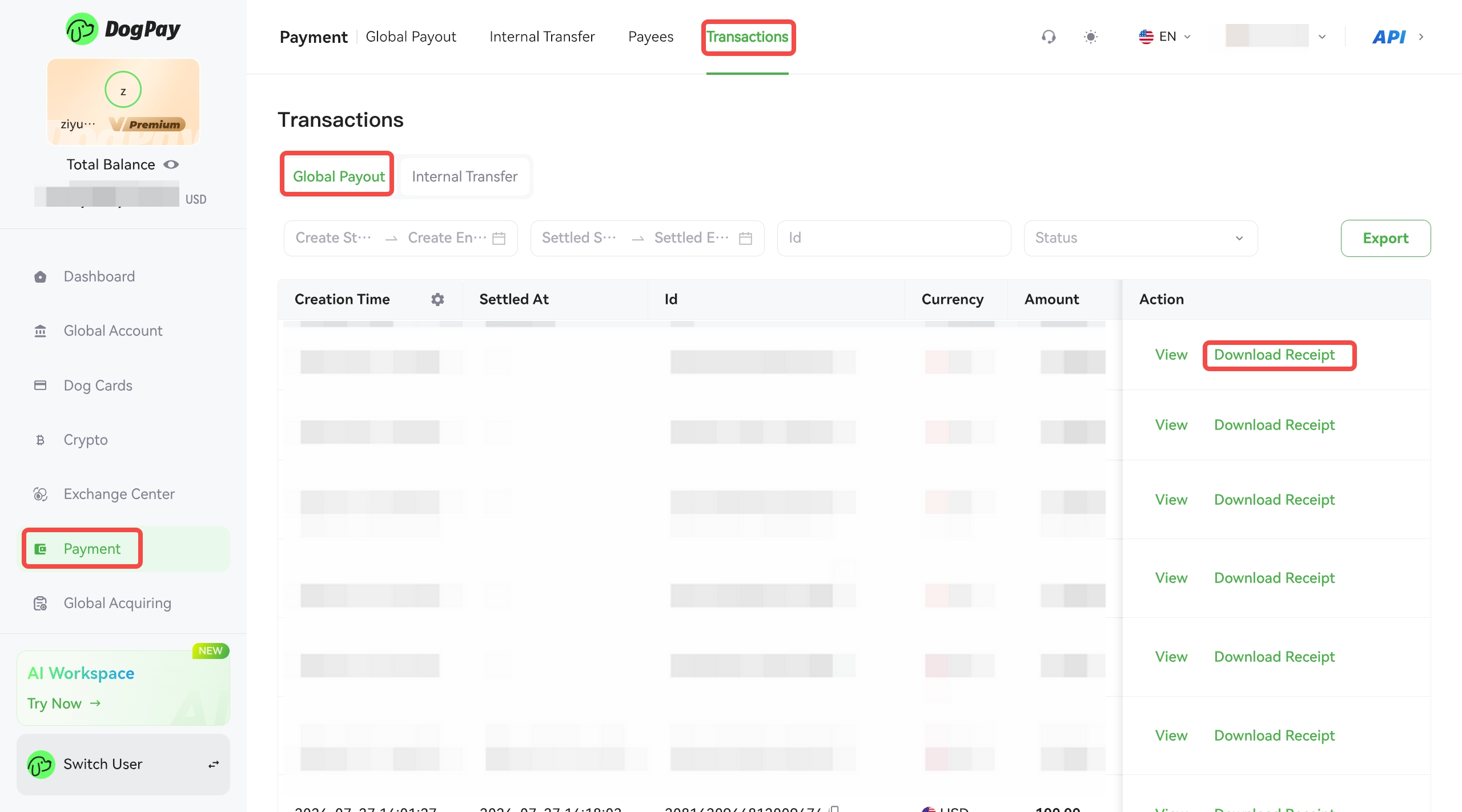
After payment is completed, you can go to the [Payment] page, select [Transaction], find the corresponding payment record, and click [Download Payment Confirmation] to obtain the relevant voucher.