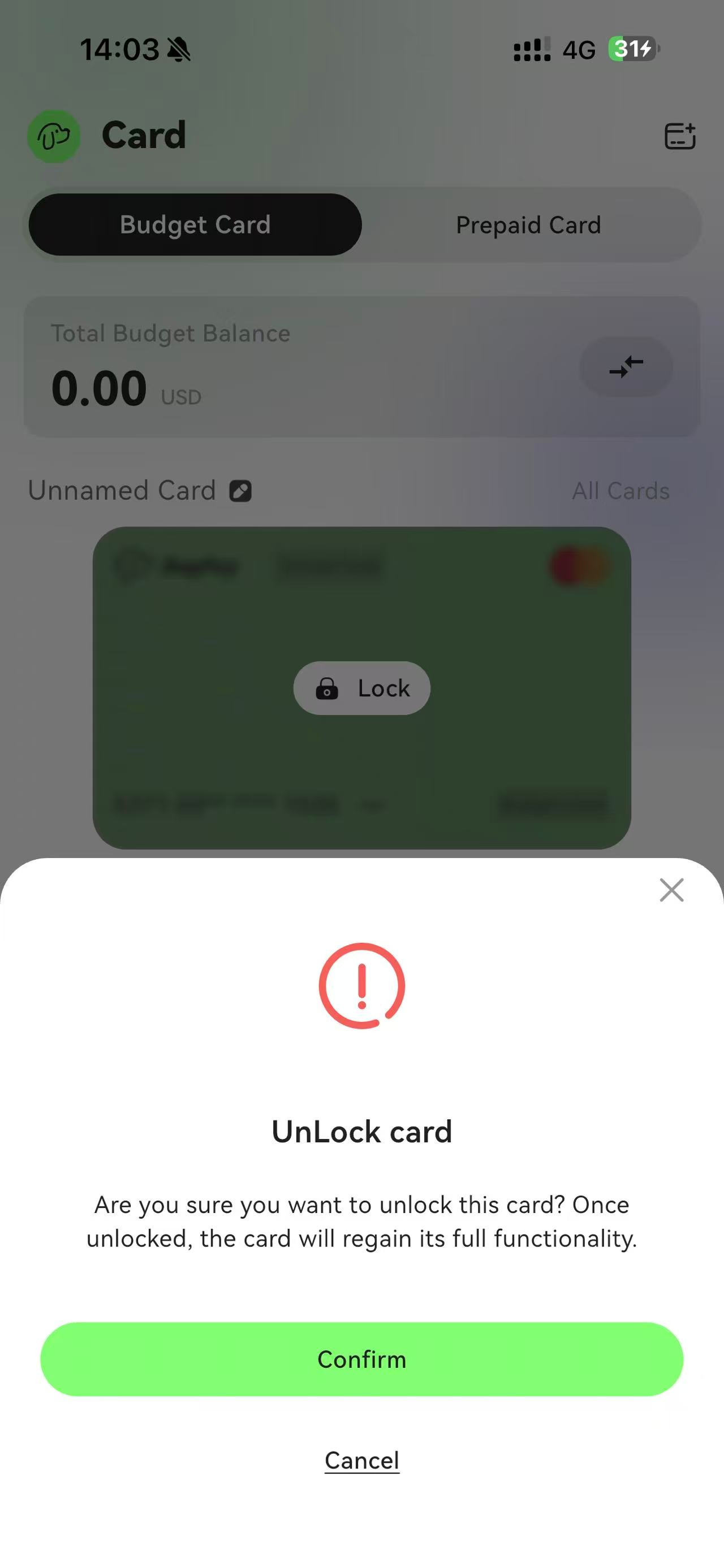
1. Freeze a Card
Select the card you want to freeze and click Settings.
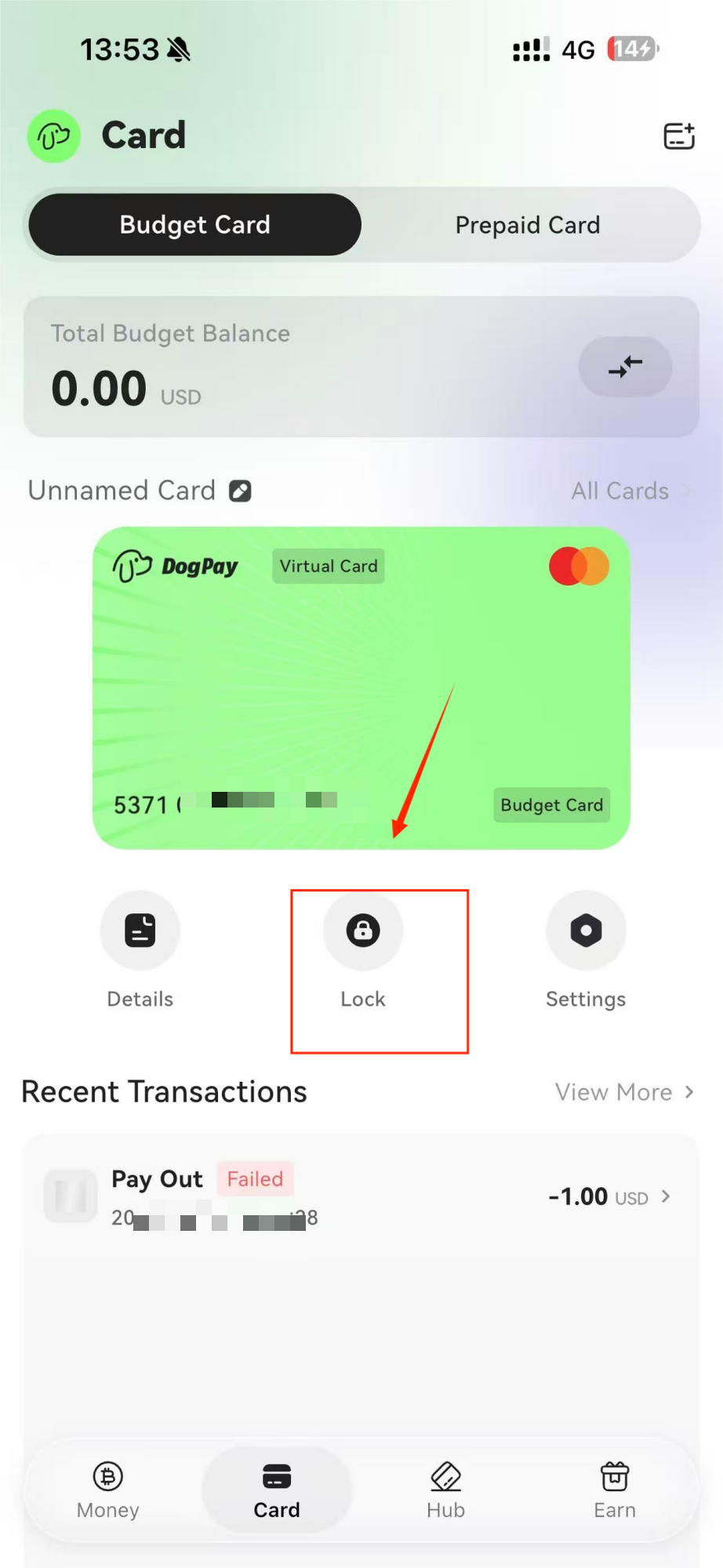
2. Click “Freeze Card”
The card will show a frozen status. While frozen, attempting to view the CVV will result in an error message.
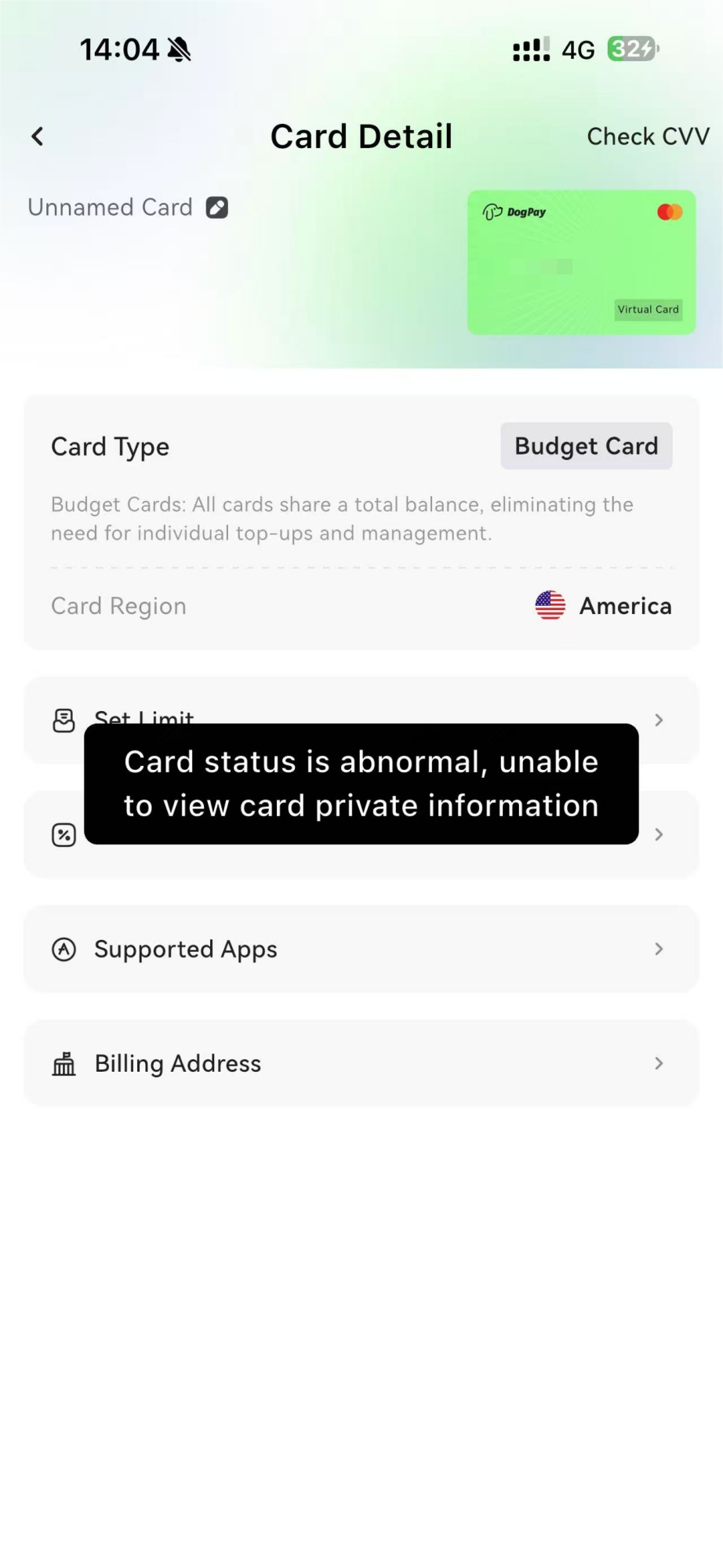
3. Click “Unfreeze Card”
The card will return to normal use.